 AiX User Guides
Appearance
Youtube/AiX Setup
Preparatory Work - Youtube Channel Authorization
a. Set up YouTube Channels and verify the Channel Unverified Channels have a limit of 10 videos/per day, so it is recommended to set up multiple channels and verify them simultaneously. 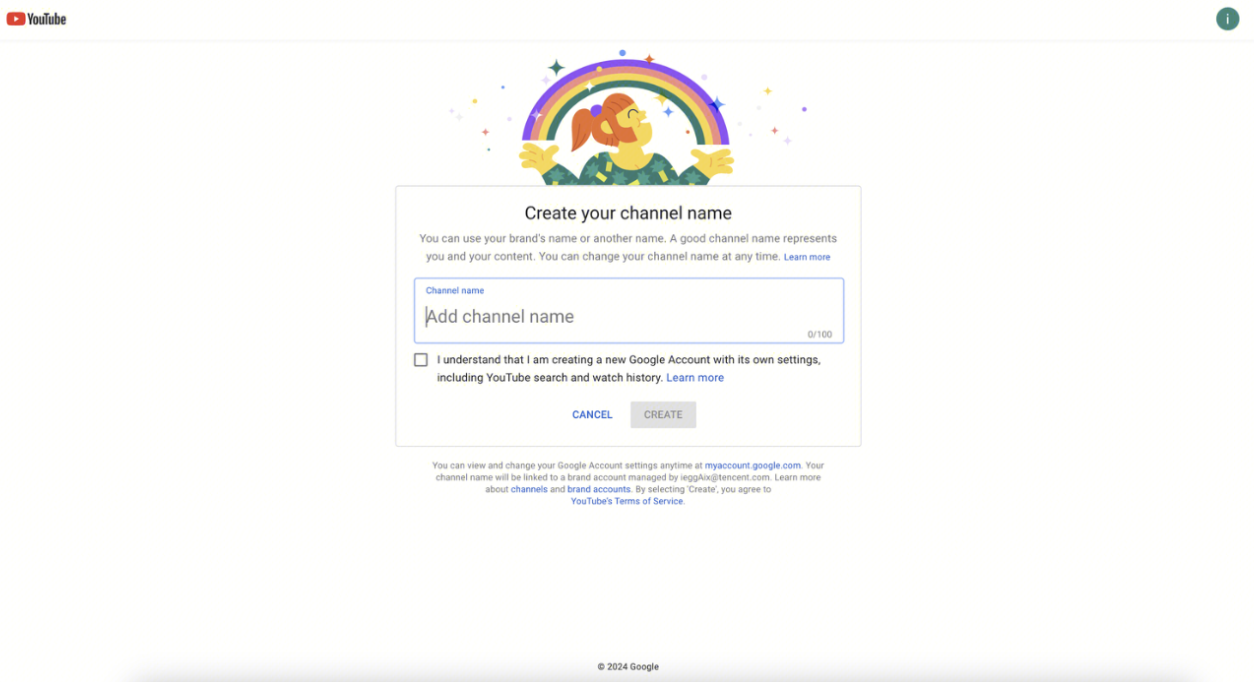
b. Enter the [YouTube Studio] of the target channel. 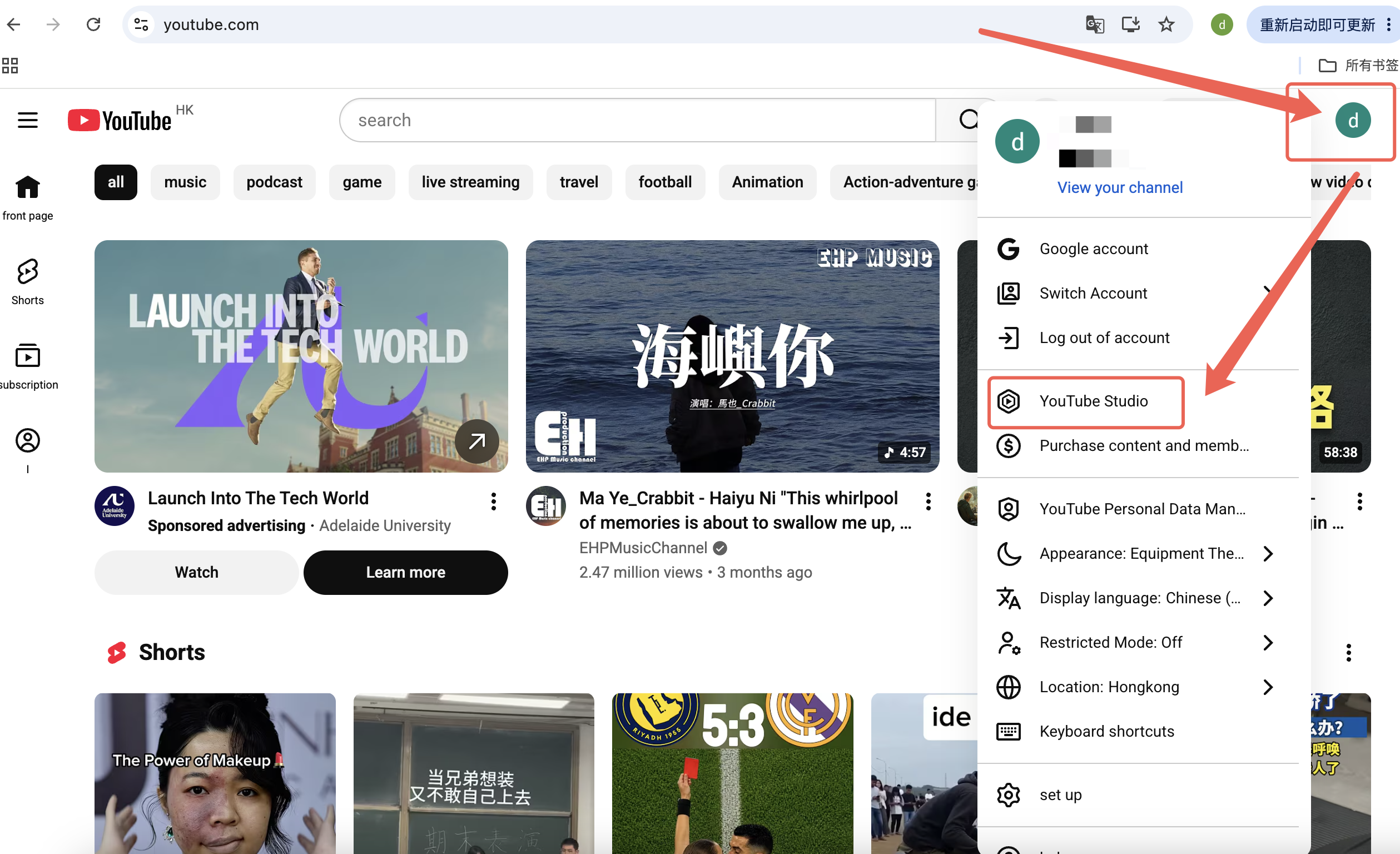
c. Click [Setting] in the left menu, and then click [Channel] in the pop-up, and then go to [Feature eligibility], Complete [2.Intermediate features] and [3.Advanced features] verification. Only users with advanced feature access have an upload quota of 100 items per day; otherwise, the daily quota is limited to 10 items. 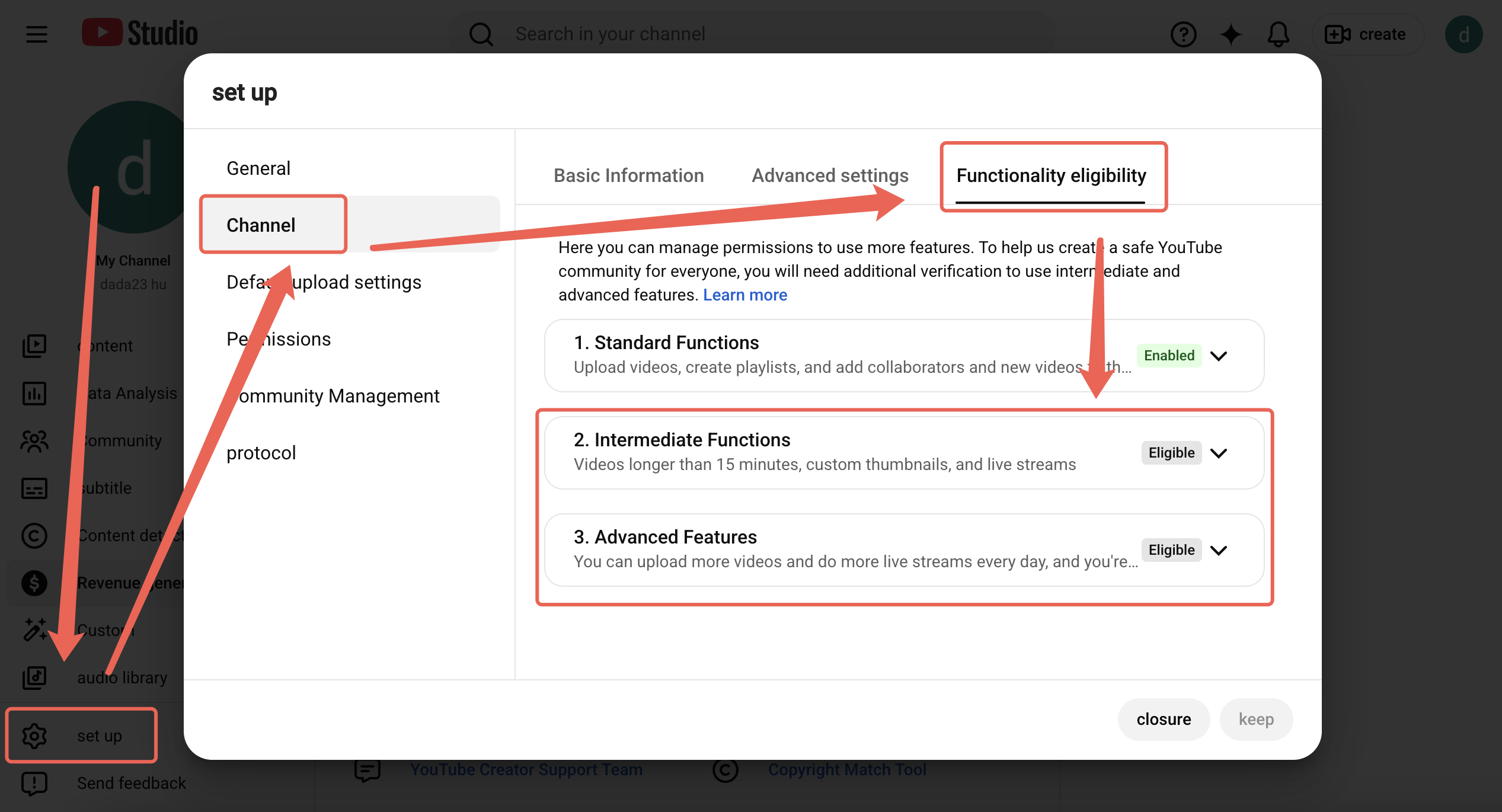
Step 1 - Select an Authorization Channel
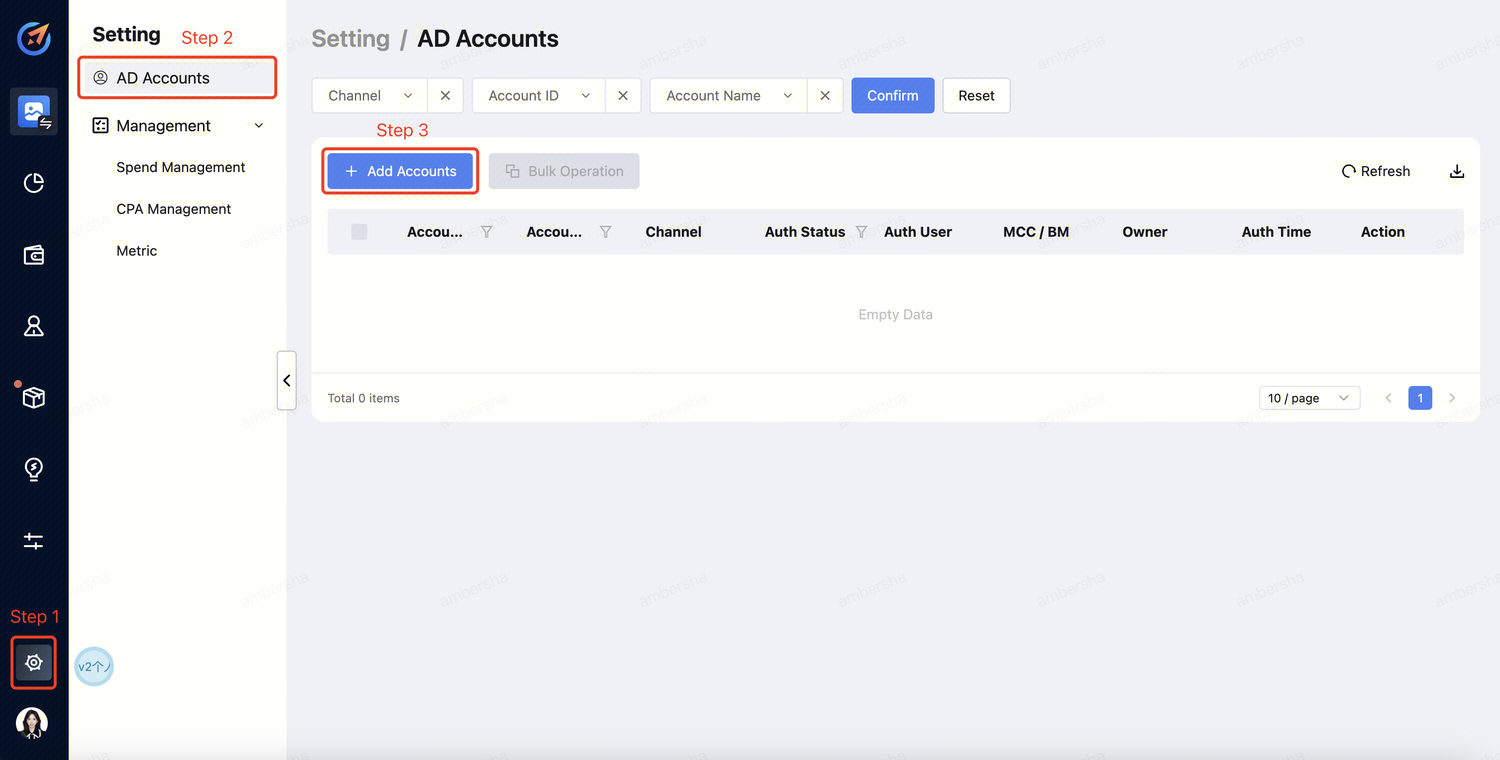
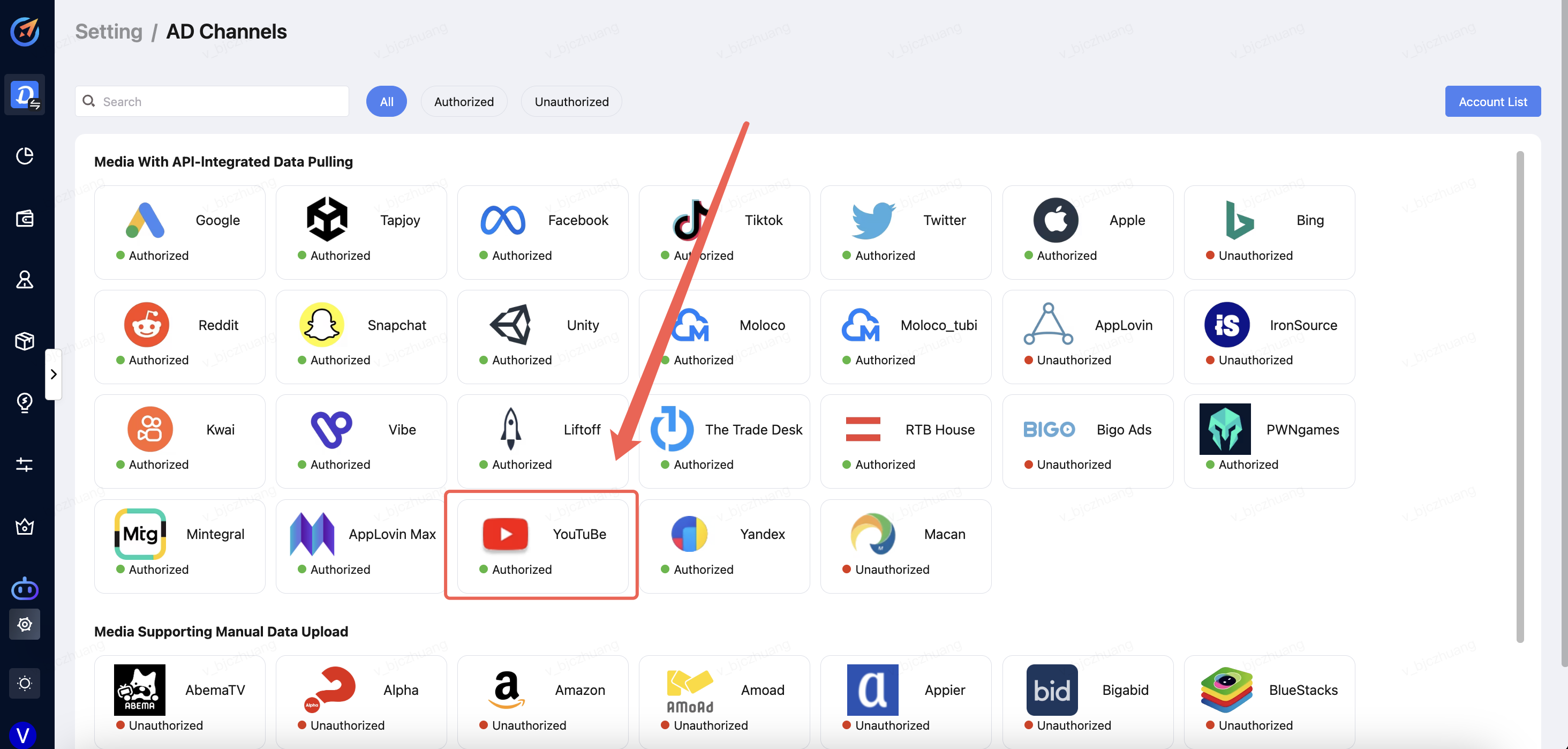
a. Select either access portal
Click "Setting" --> "AD Accounts" --> "Add Accounts" .
Click "Setting" -->"AD Channels" --> "Select the Media".
Step 2 - Account Login
a. Select the channel and click "Sign in". 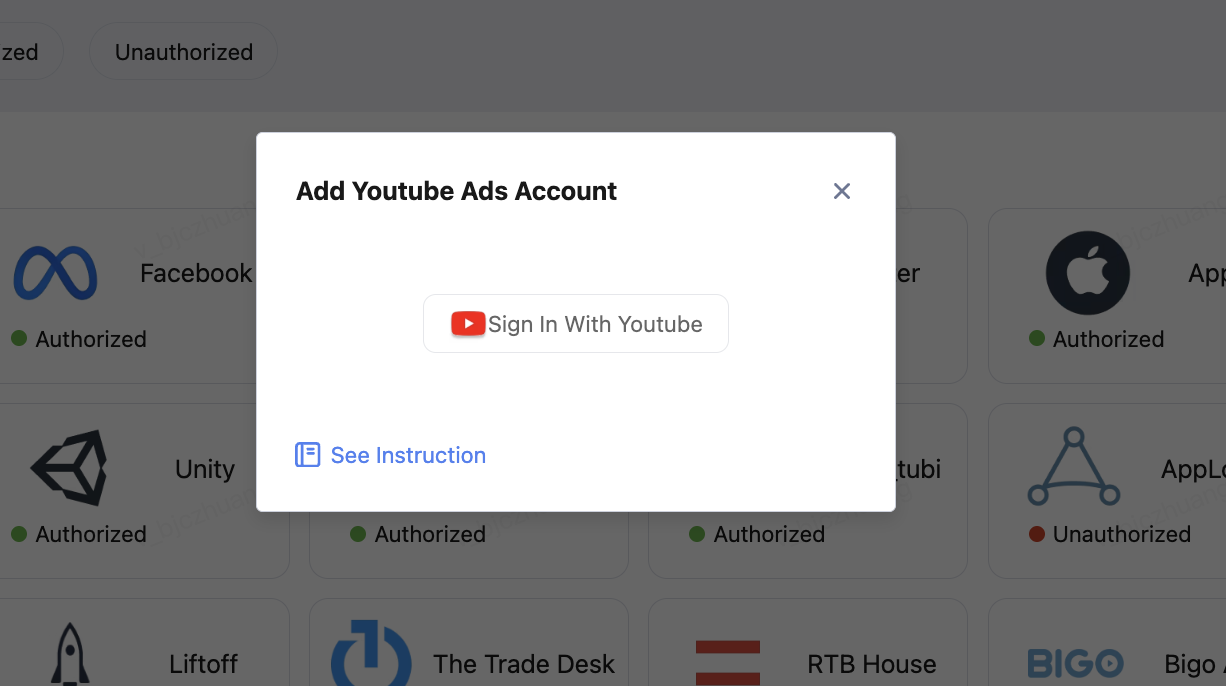
b. Log in to your account. 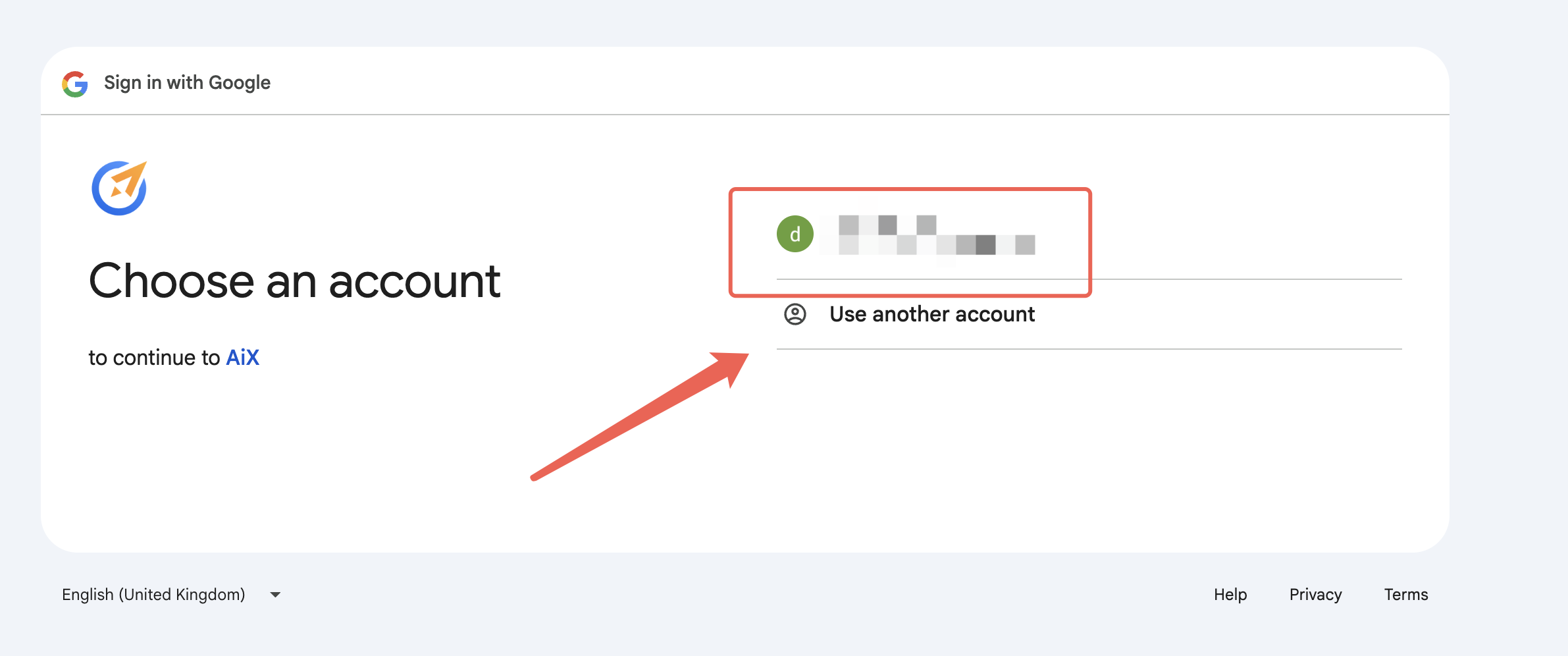
c. After selecting all permissions that AIX can access, click to confirm trust. 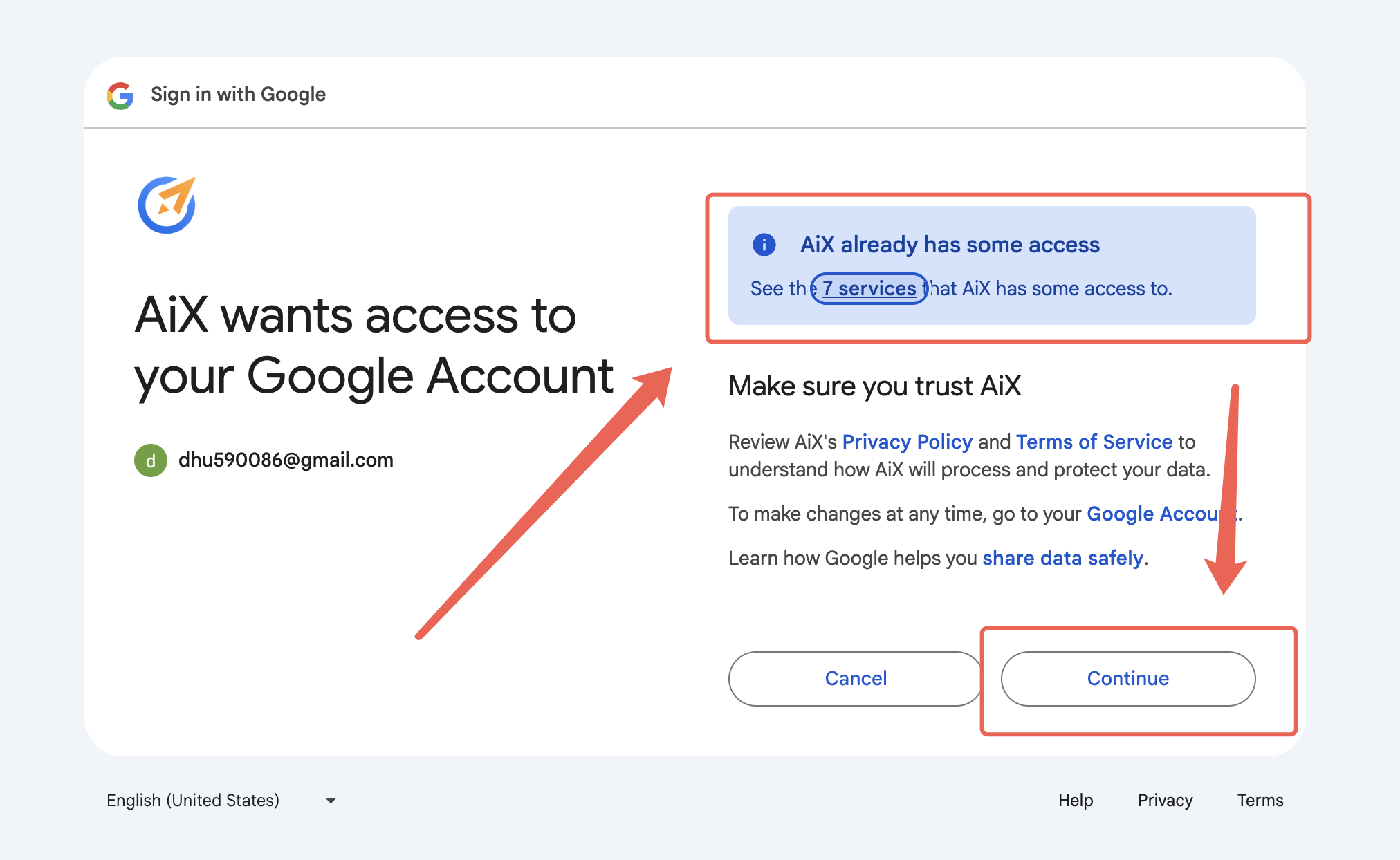
d. After checking your Account, click [Add] at the bottom right corner to finish. 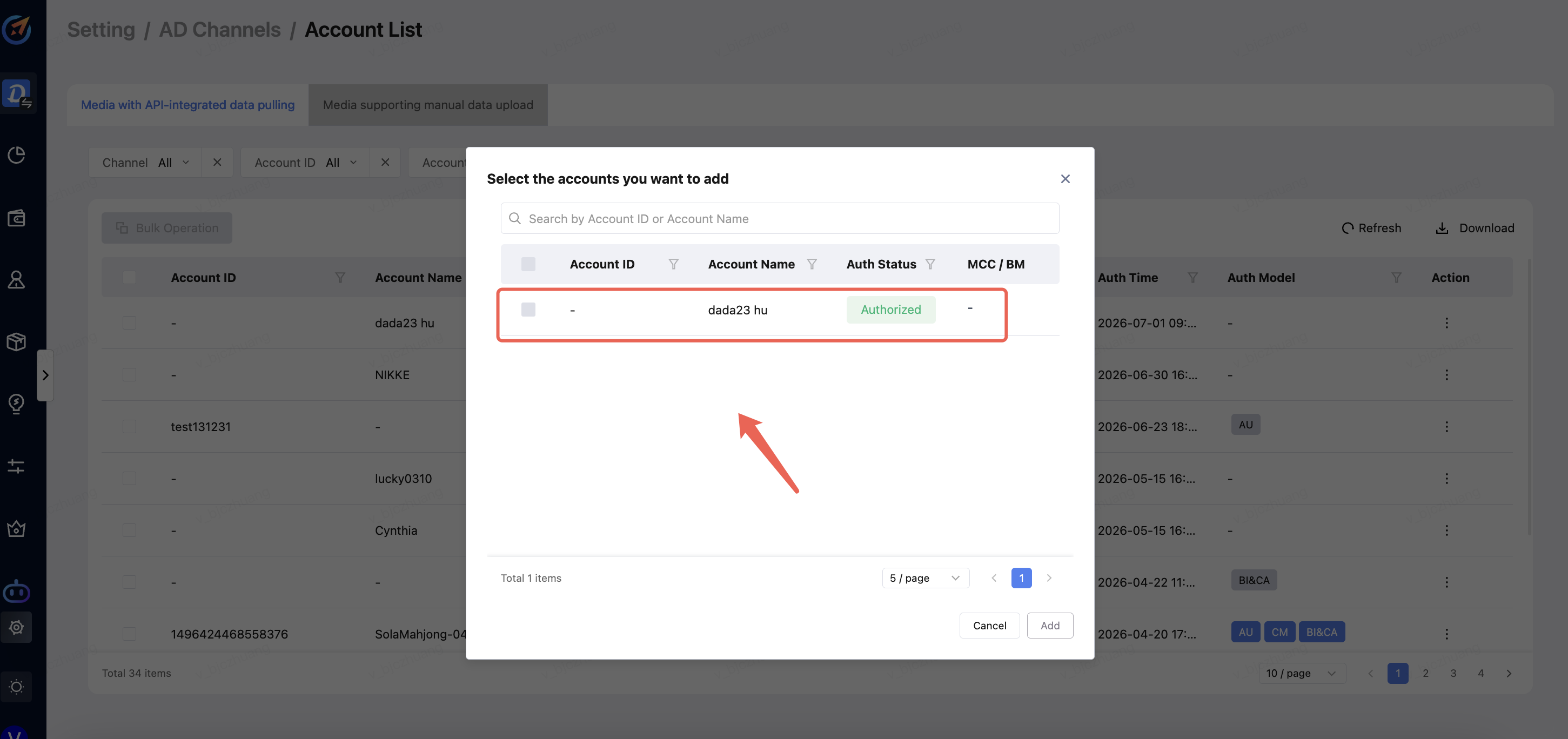
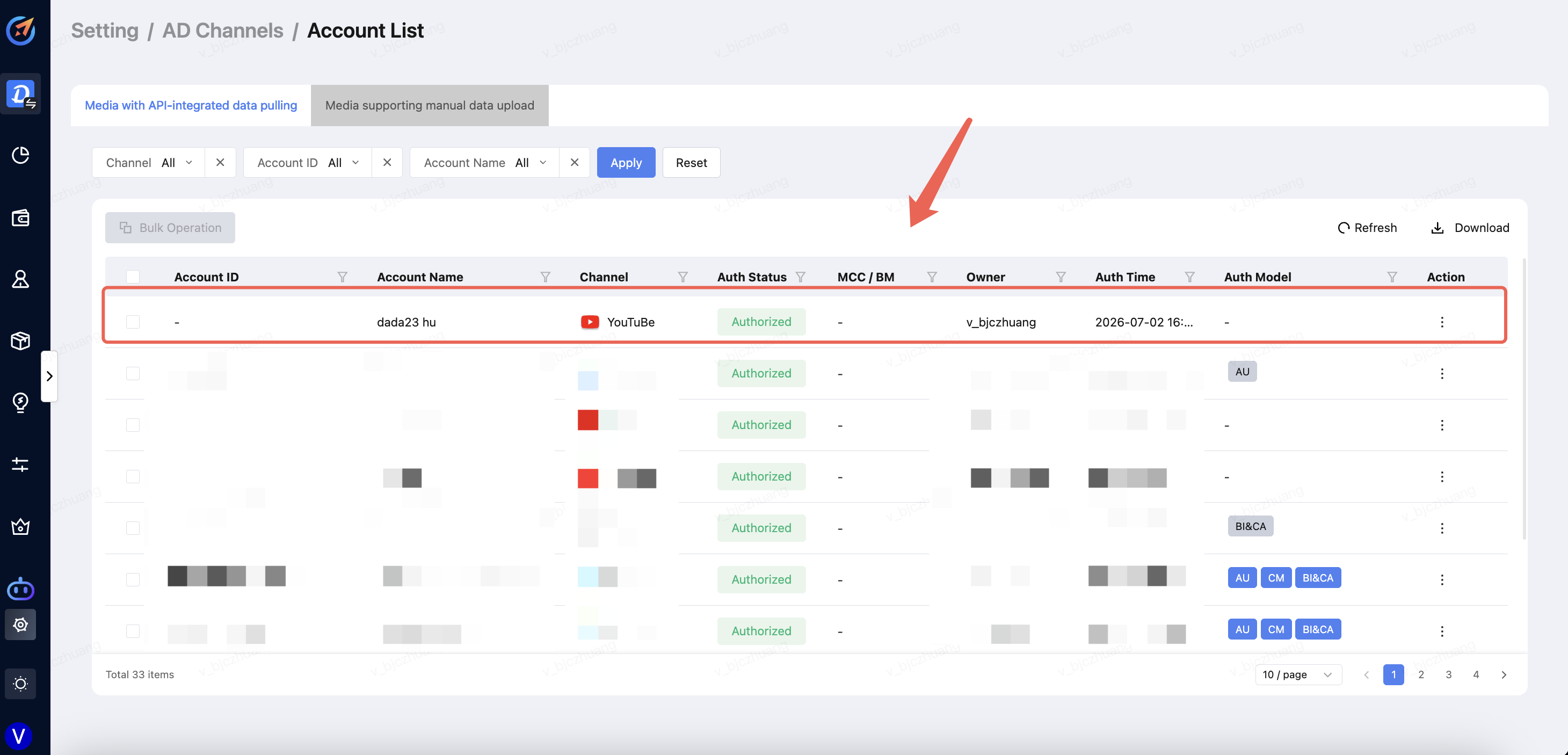
e. As shown in the figure below, the newly added account is displayed.