 AiX User Guides
Appearance
Yandx/AiX Setup
Step 1 - Select an Authorization Channel
a. Select either access portal
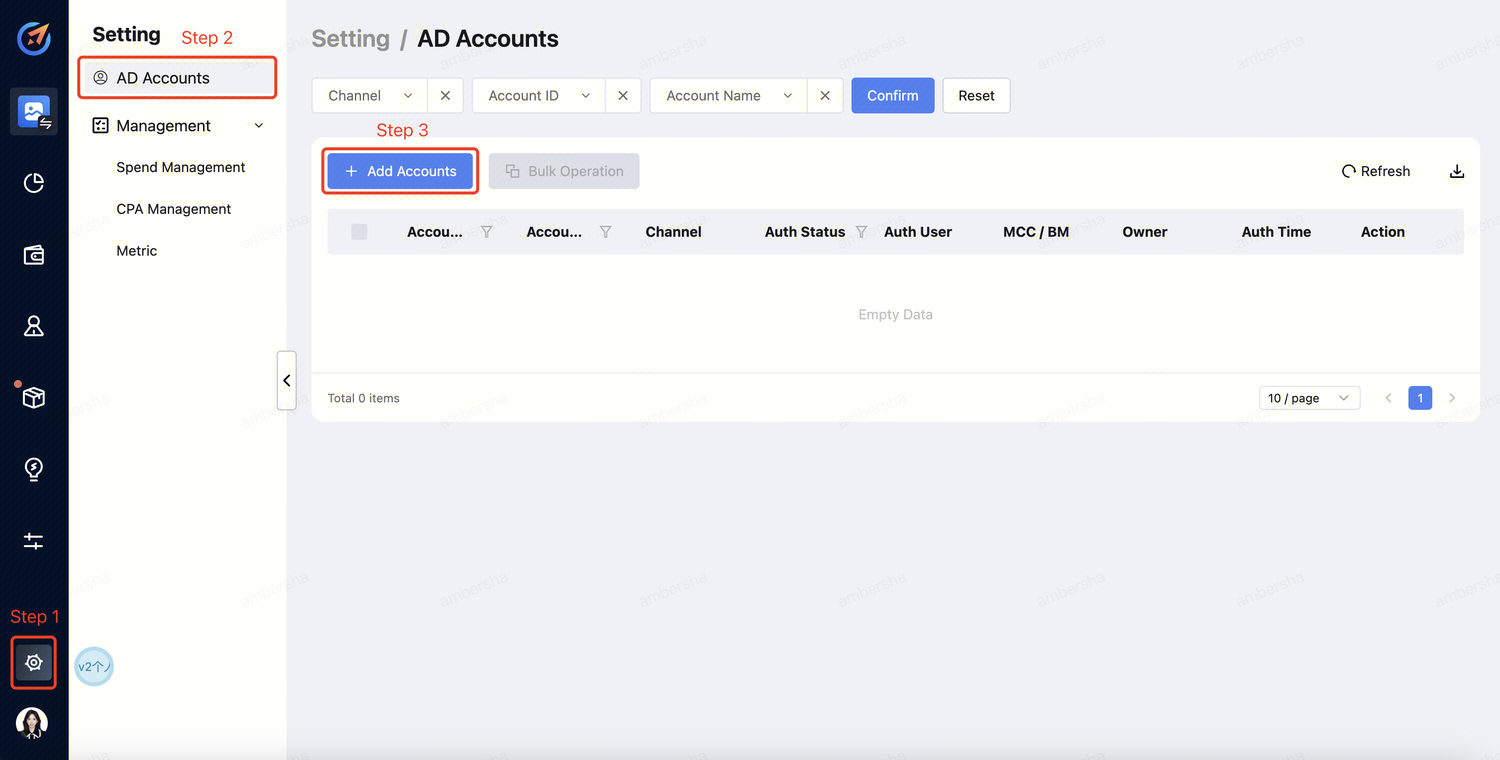
Click "Setting" --> "AD Accounts" --> "Add Accounts" .
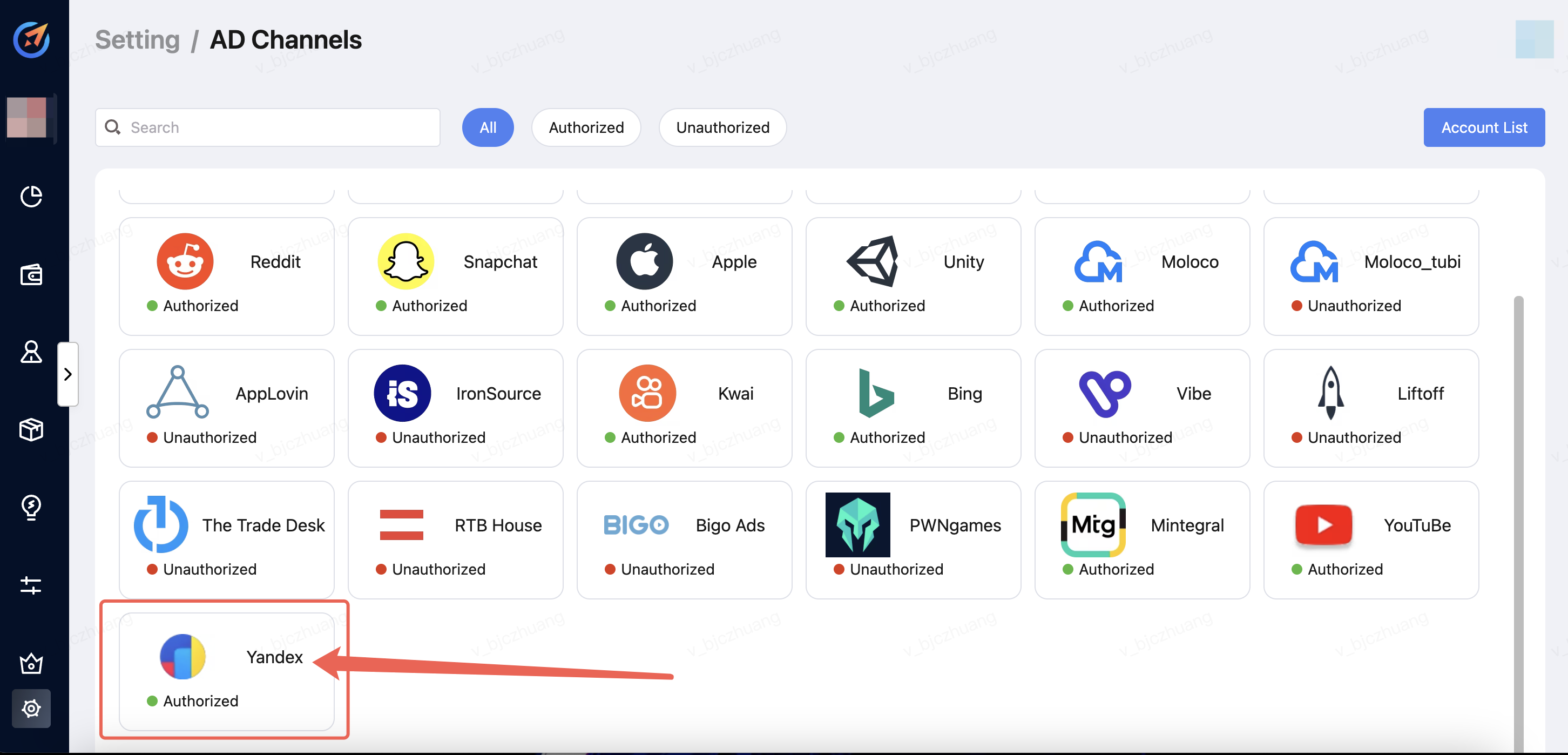
Click "Setting" -->"AD Channels" --> "Select the Media".
Step 2 - Account Login
a. Select the channel and click "Sign in". 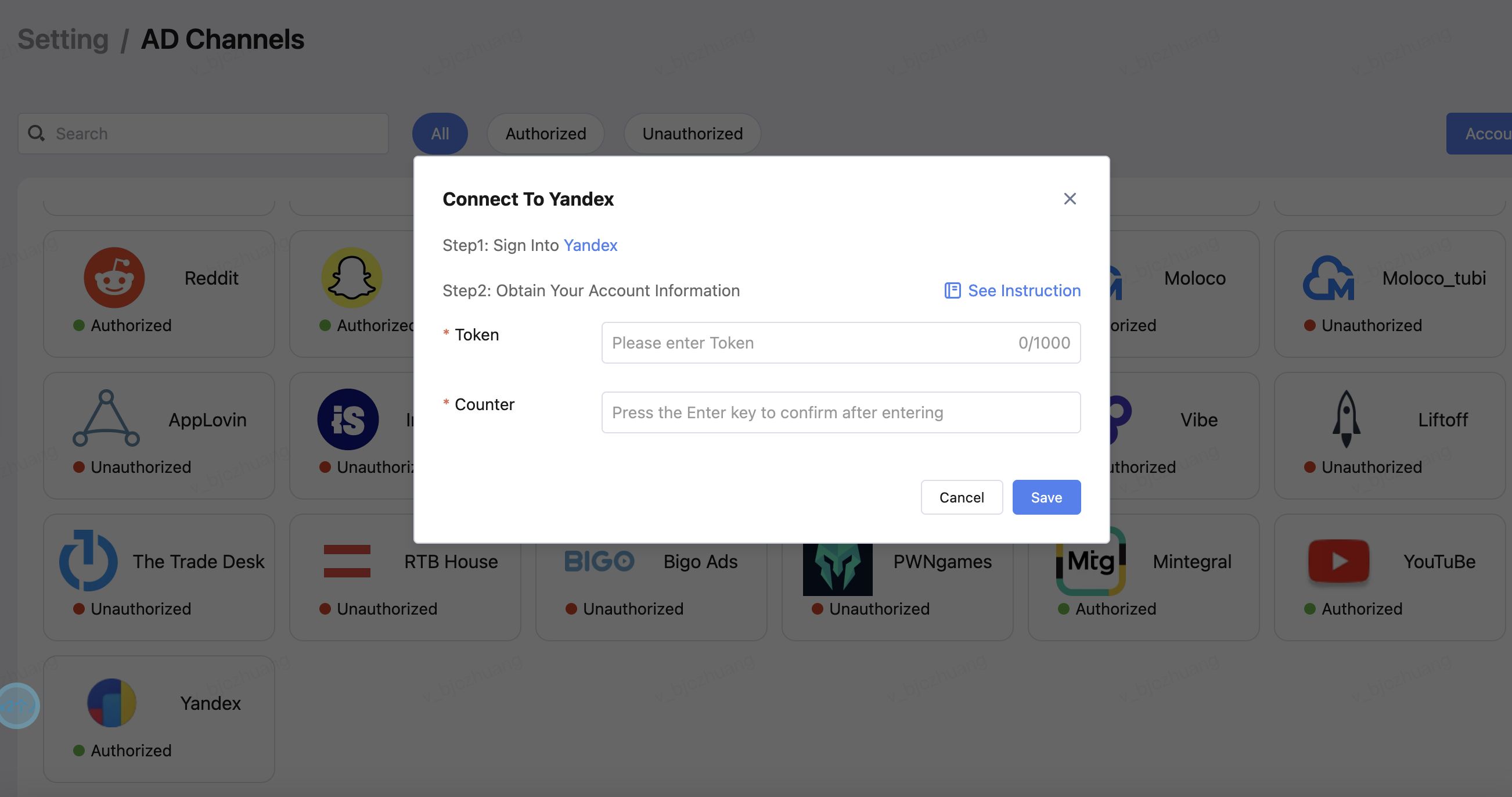
b. Log in to your account. 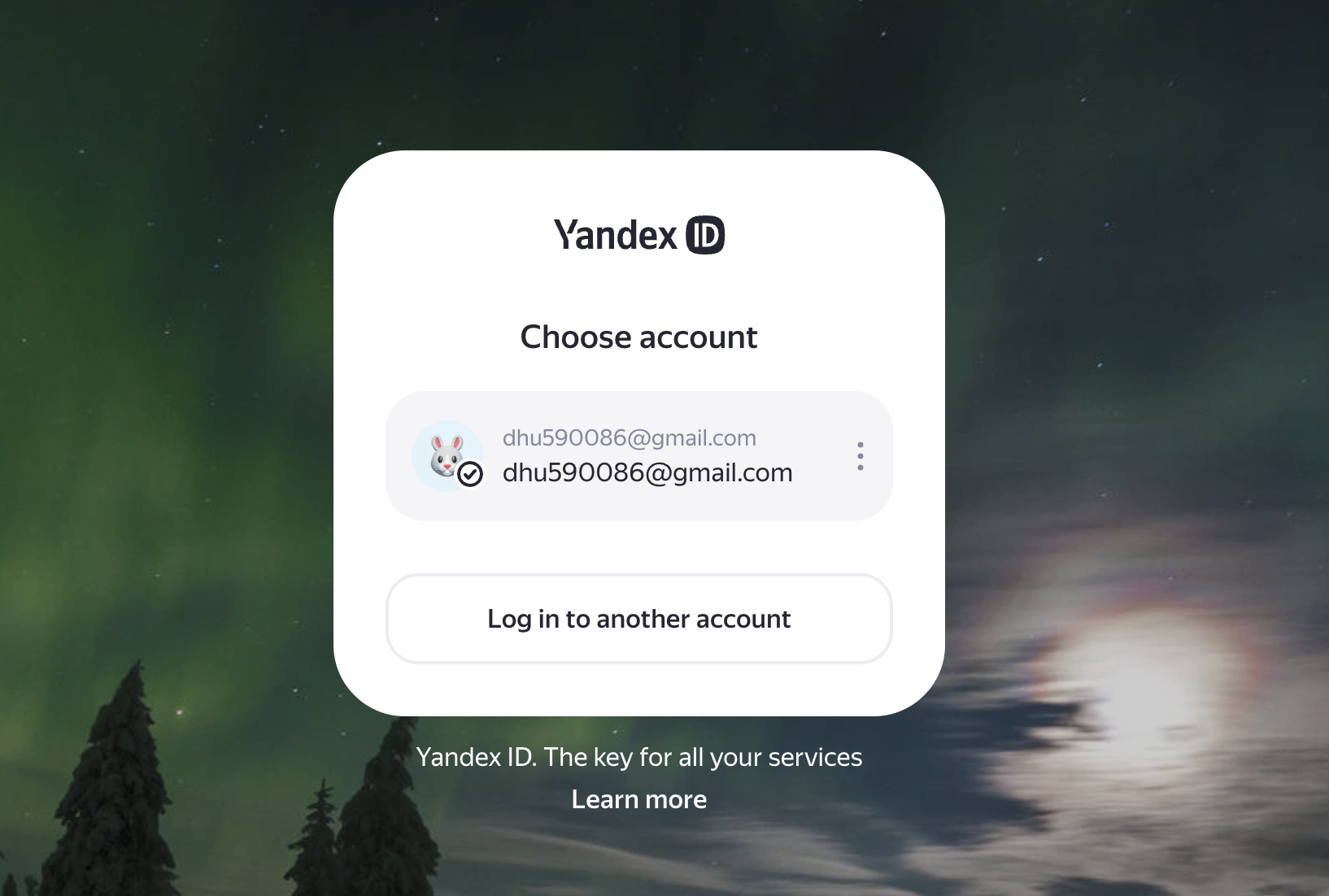
Step 3 - Obtain Token
a. As shown in the figure below, log in and click the bottom-left corner. 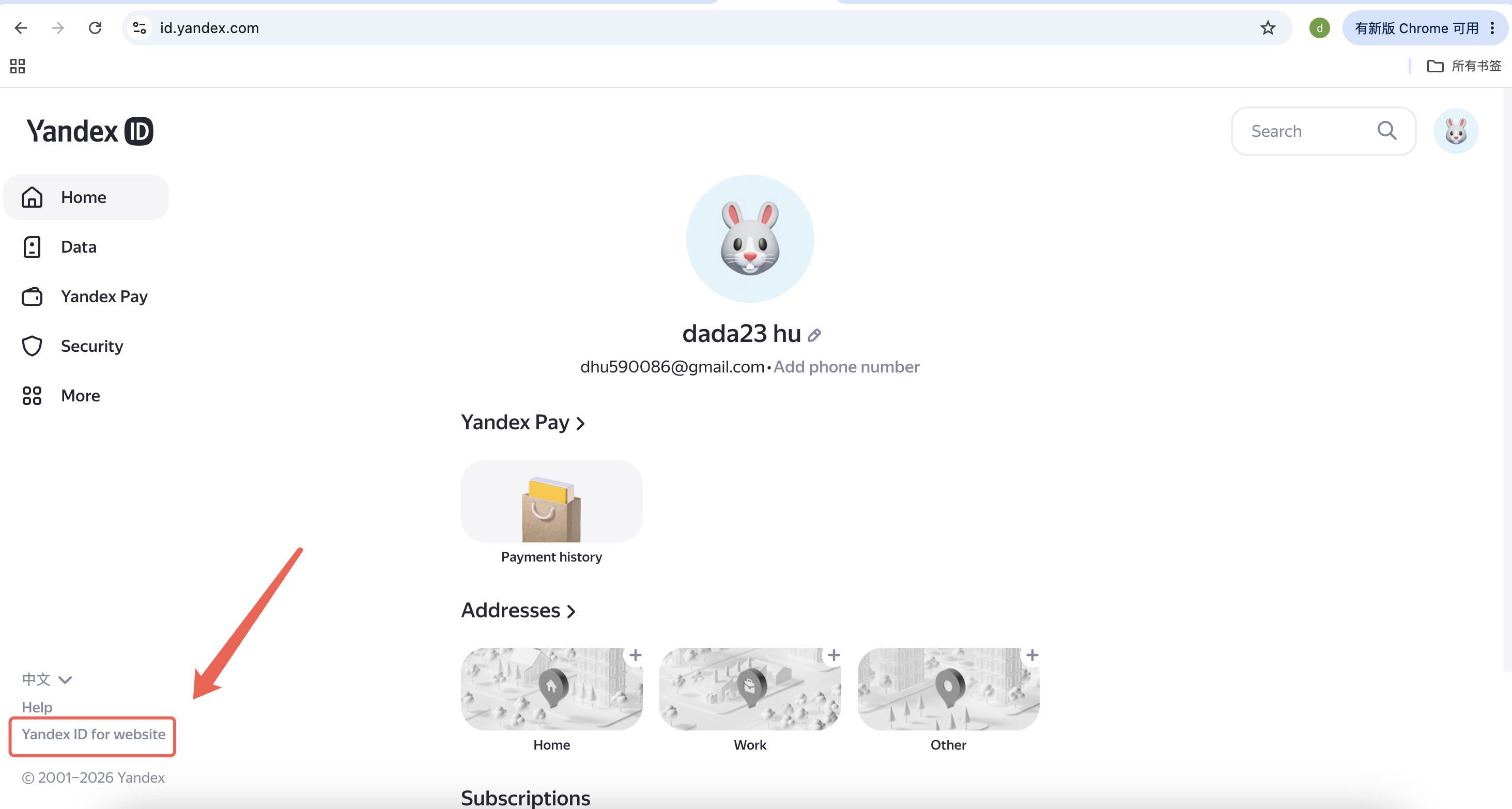
b. Create an app and select For API access or debugging. 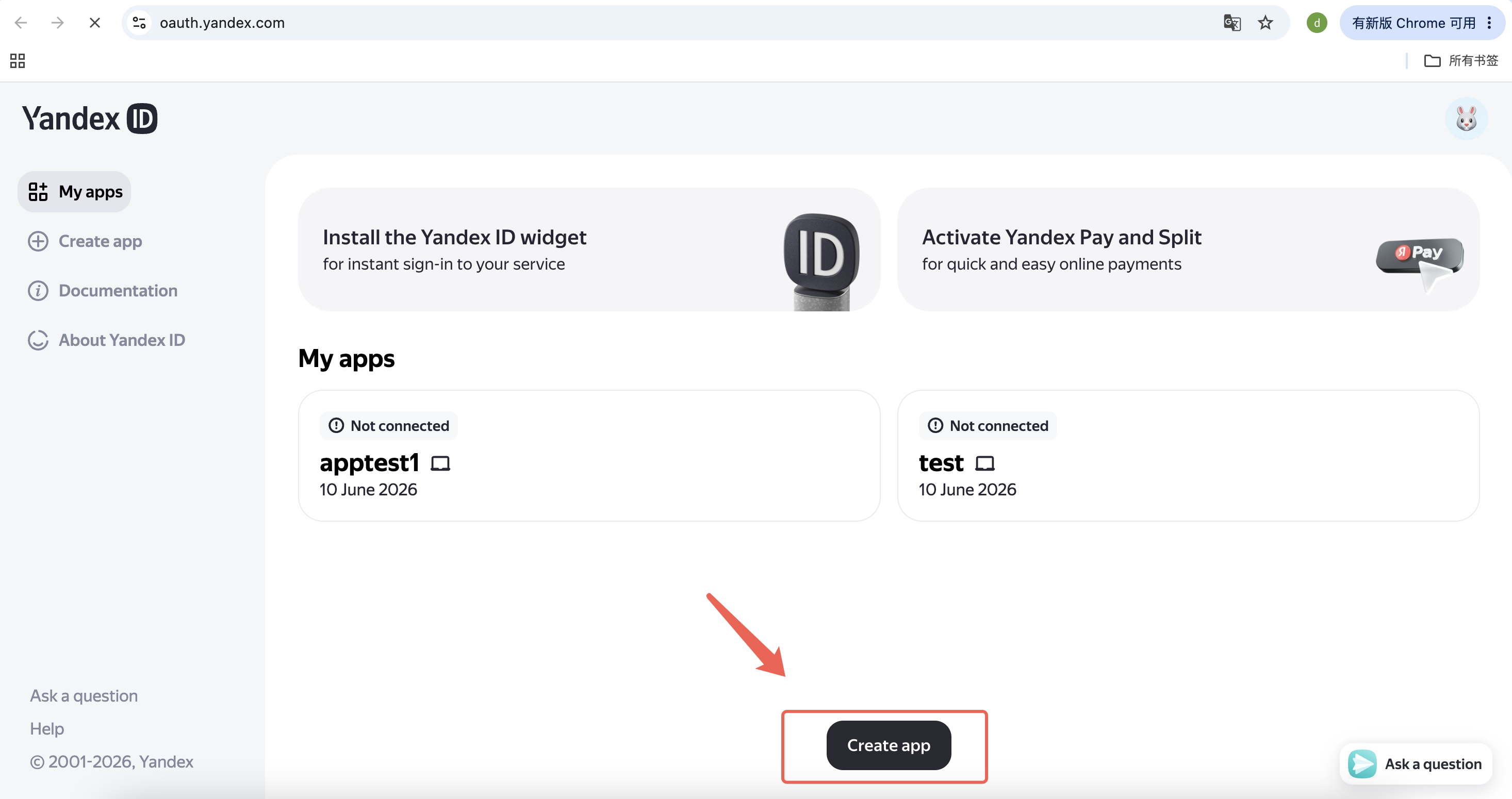
c. Click Create app and copy its ClientID , next to the ID. 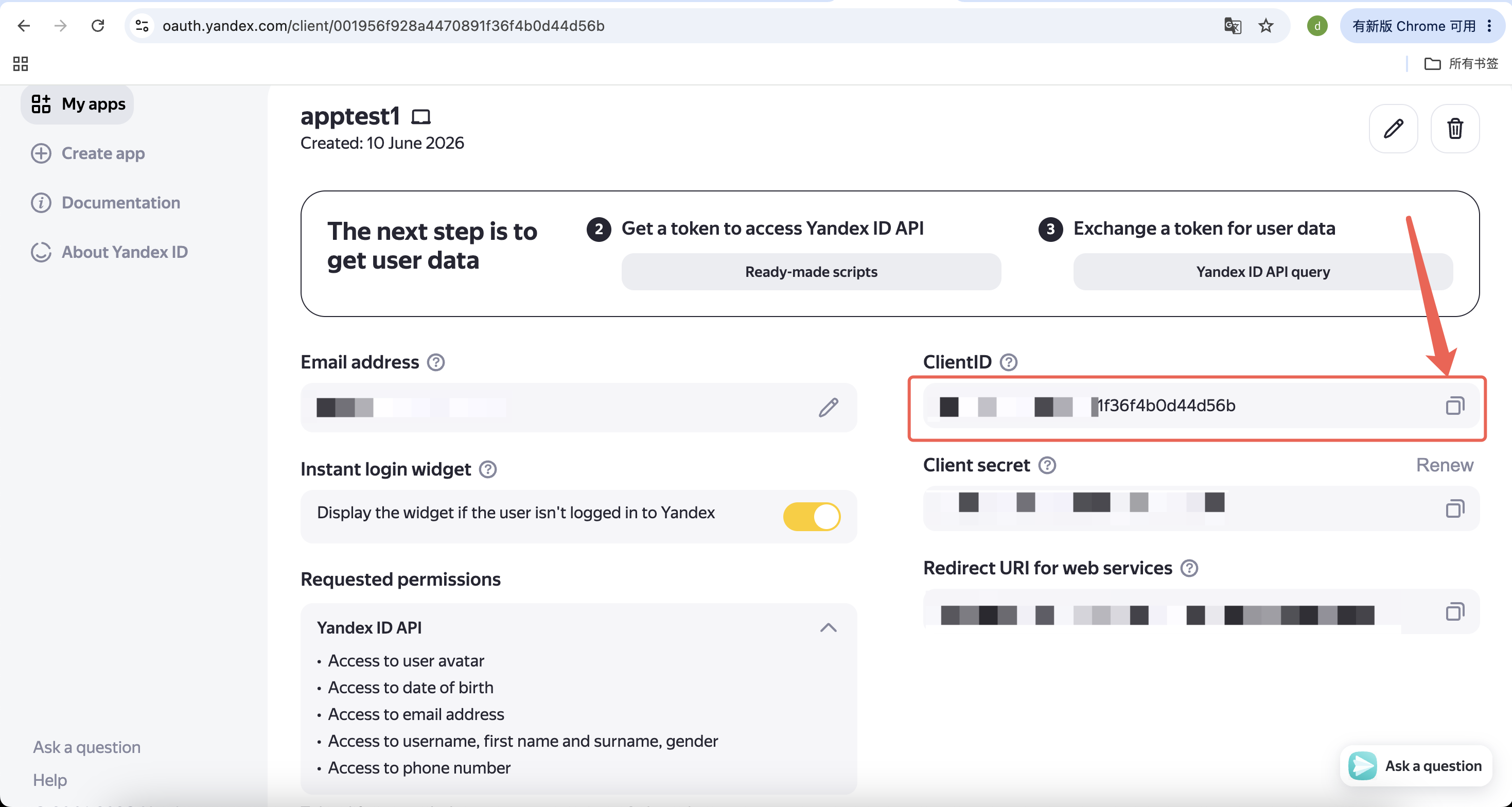
d. Add the copied ClientID to the link as follows. https://oauth.yandex.com/authorize?response_type=token&client_id=<application_id>
e. Follow the link and copy your authorization token on the page that opens. 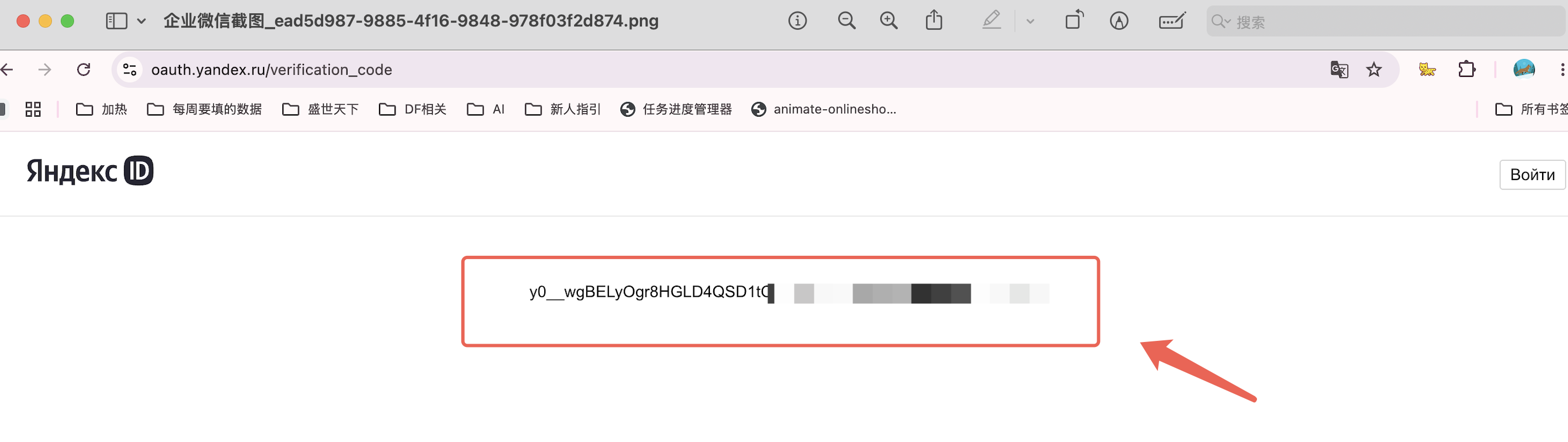
Step 4 - Obtain Counter
Refer to the figure below. The last eight digits of the number in the figure, 987xxxxx, represent the counter ID. 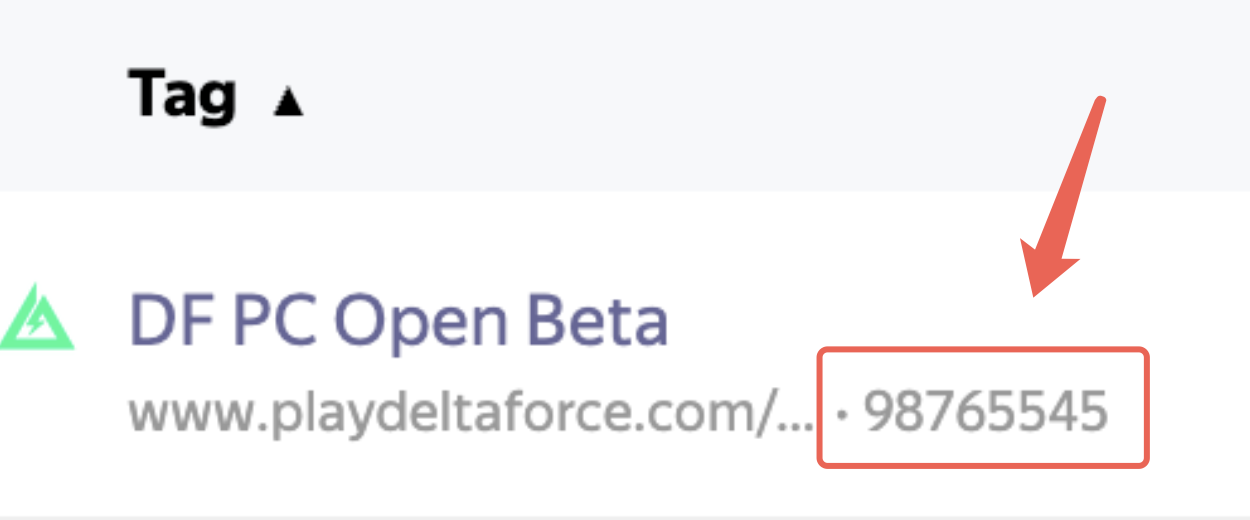
Step 5 - Account Info providing to AiX
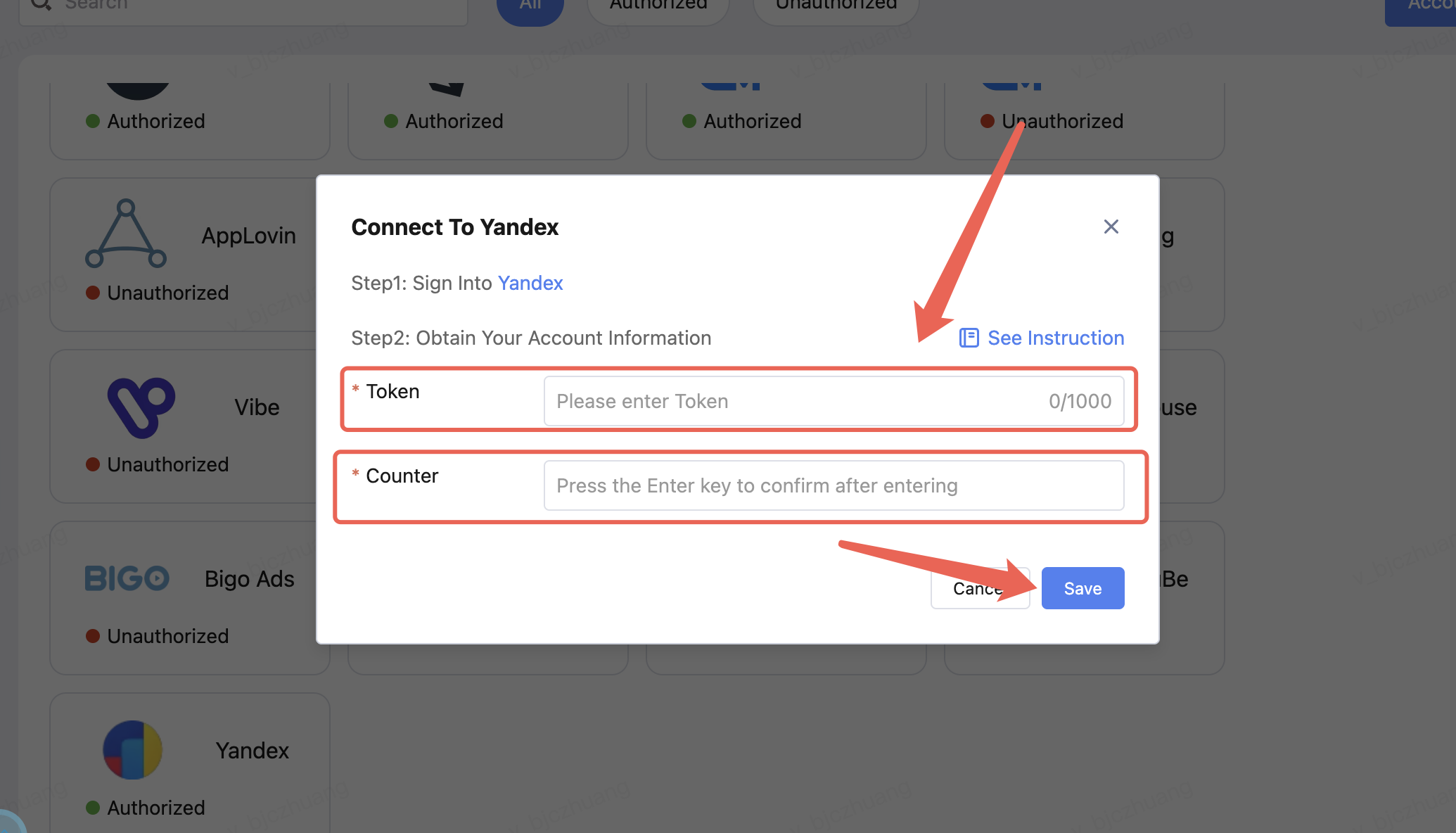
Enter the Token and Counter,Finally, click Save.