 AiX User Guides
Appearance
Tapjoy/AiX Setup
Method I: Self Login and Authorization
Step 1 - Select an Authorization Channel
a. Select either access portal
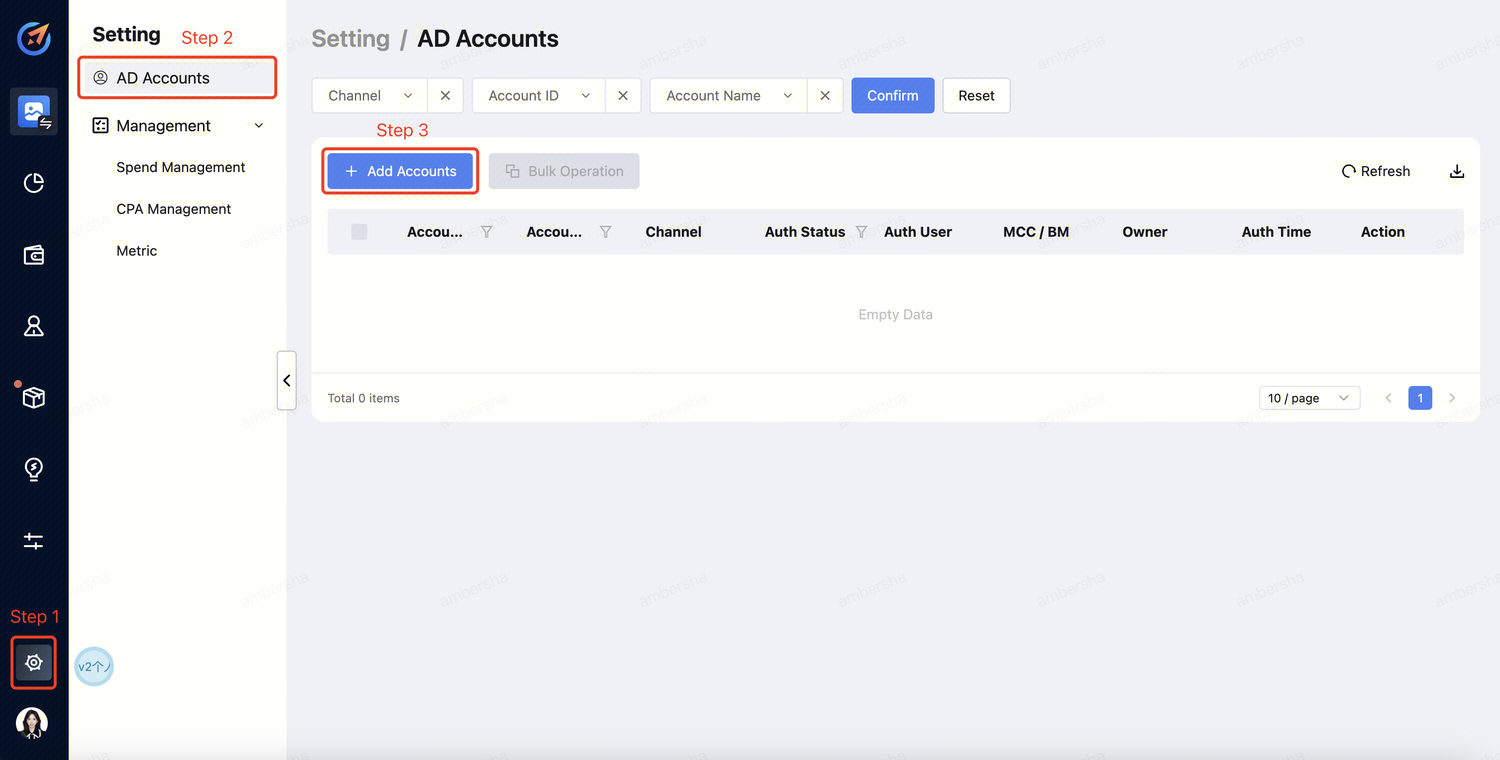
Click "Setting" --> "AD Accounts" --> "Add Accounts" .
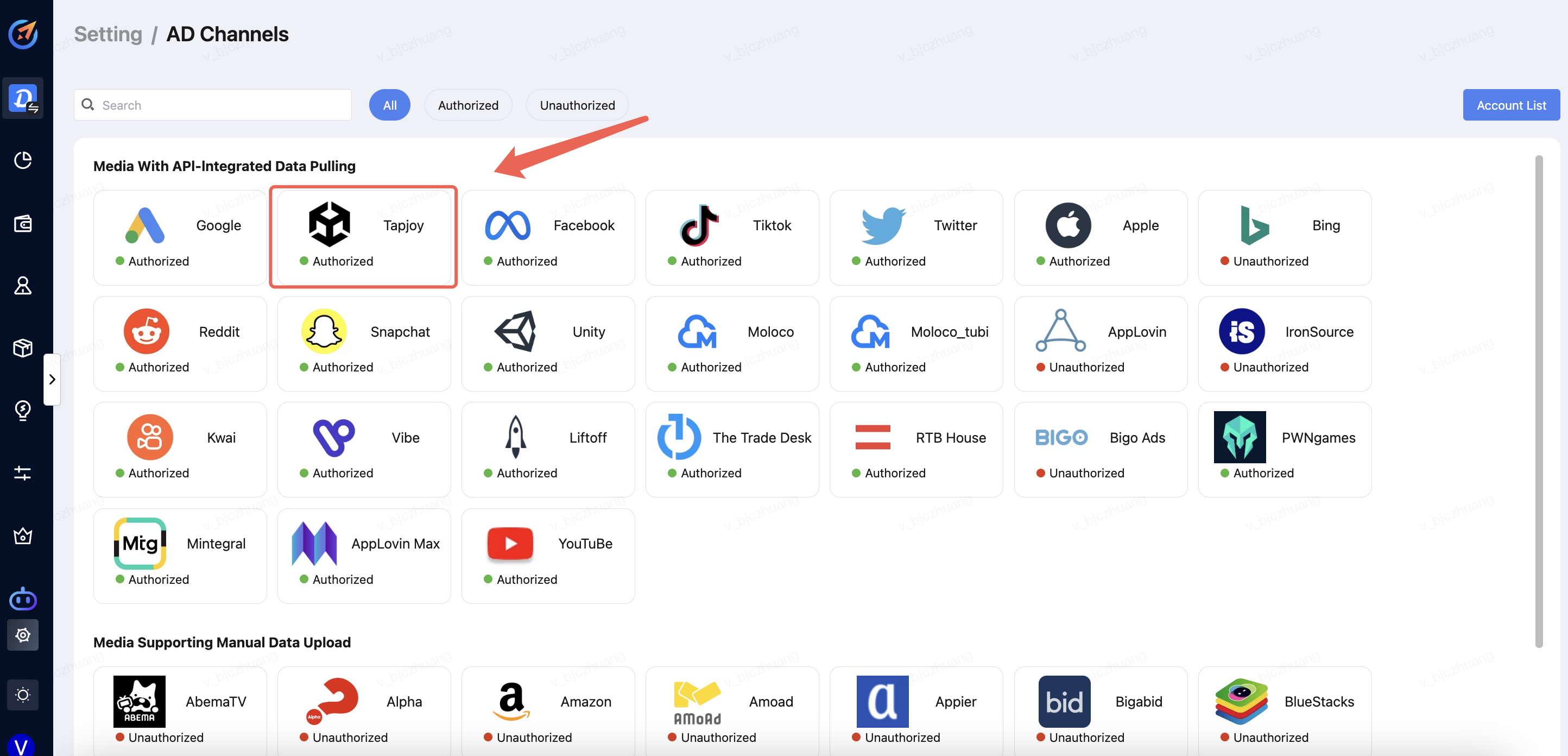
Click "Setting" -->"AD Channels" --> "Select the Media".
Step 2 - Account Login
a. Select the channel and click "Sign in". 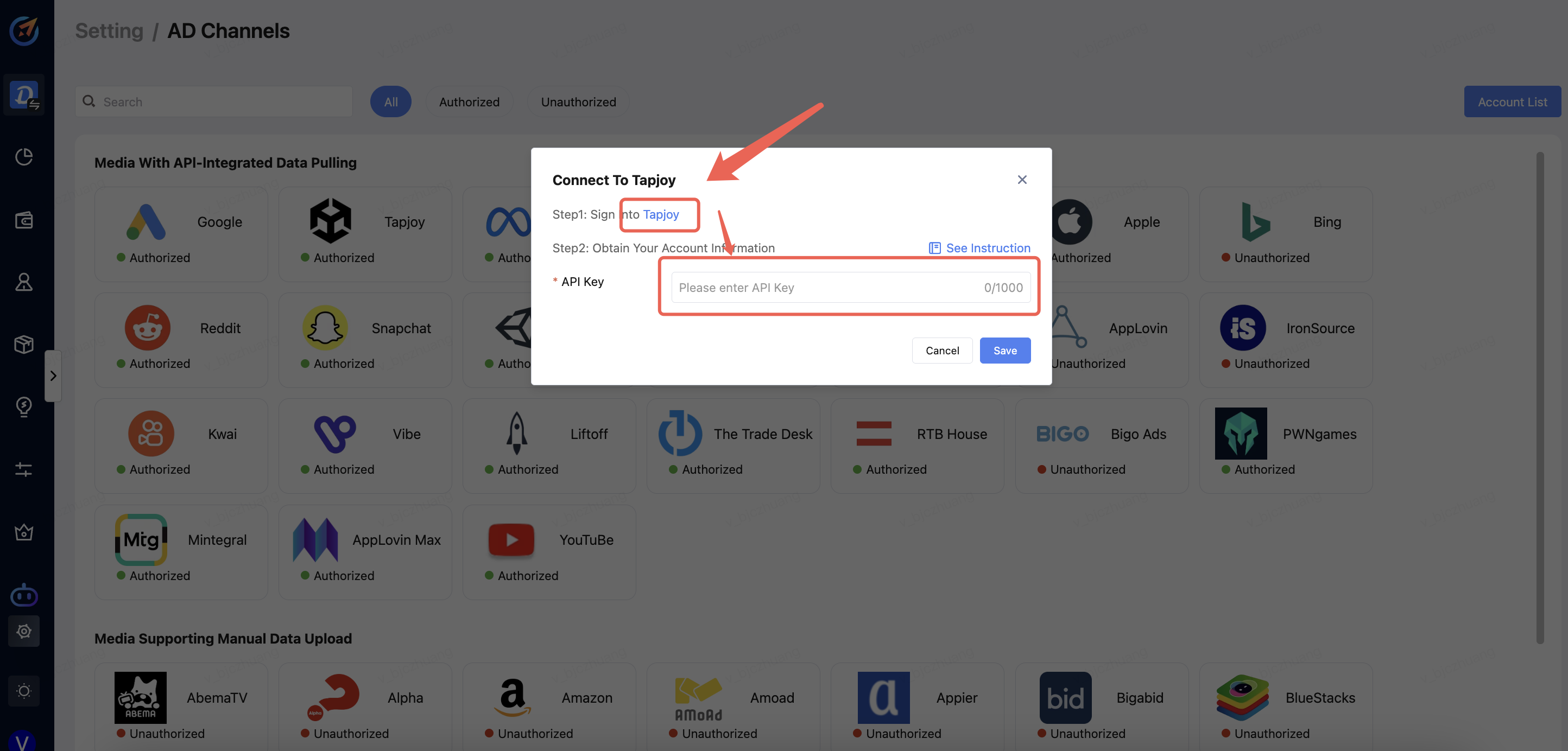
b. Log in to your account. 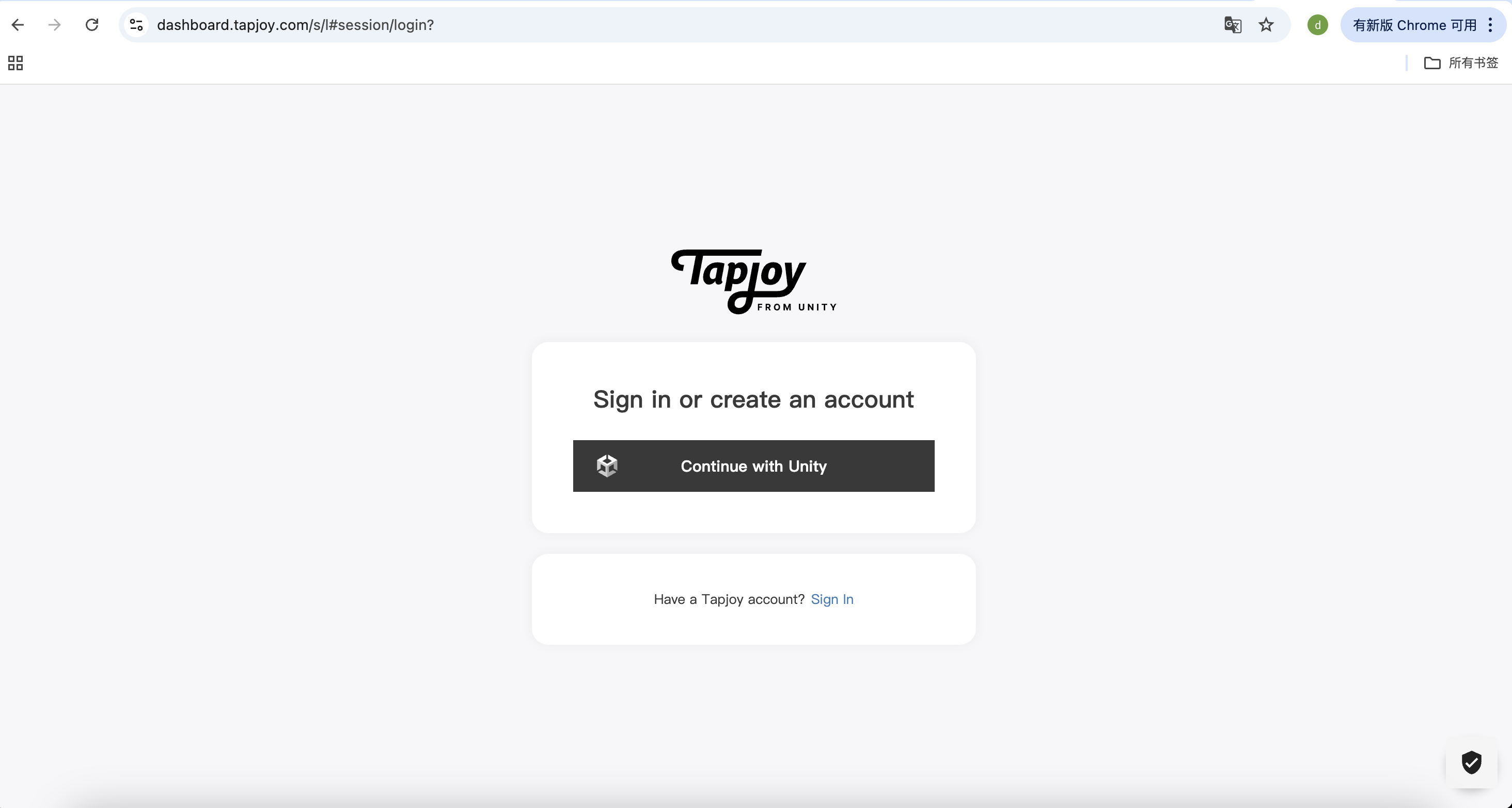
Step 3 - Obtain API key
a. Click "Reporting""-->"Reporting API".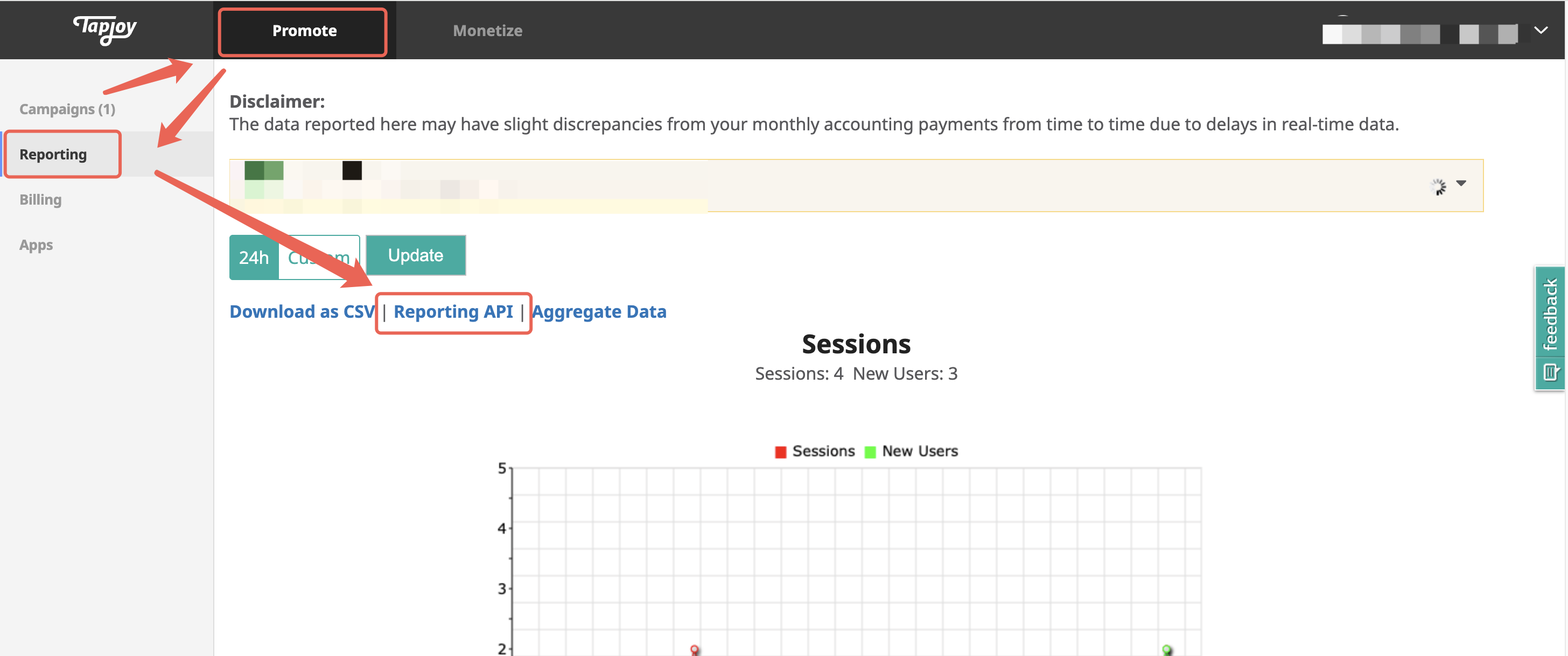
b. Copy your API Key. 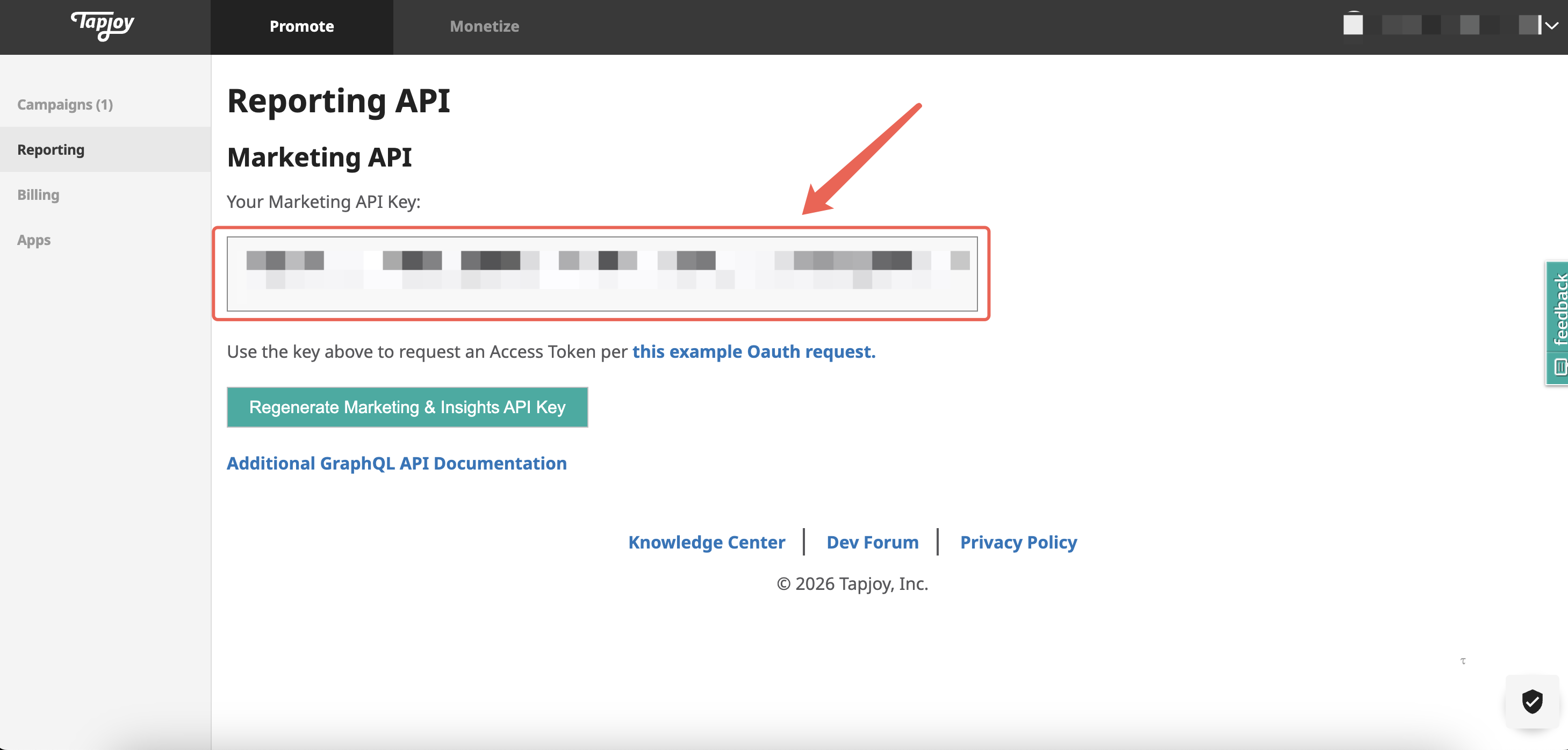
Step 4 - Account Info providing to AiX
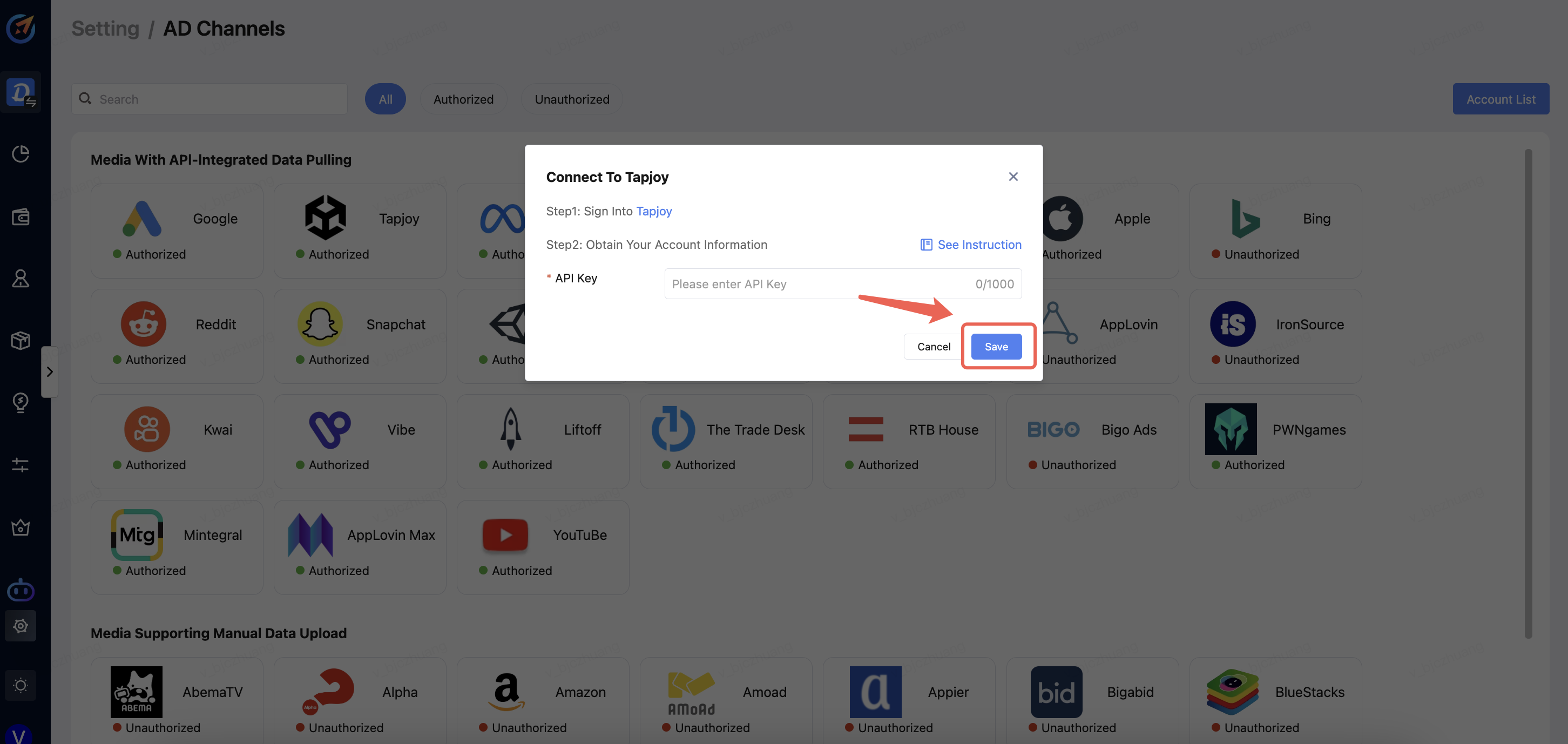
Enter the API key,Finally, click Save.