 AiX User Guides
Appearance
macan/AiX Setup
Step 1 - Select an Authorization Channel
a. Select either access portal
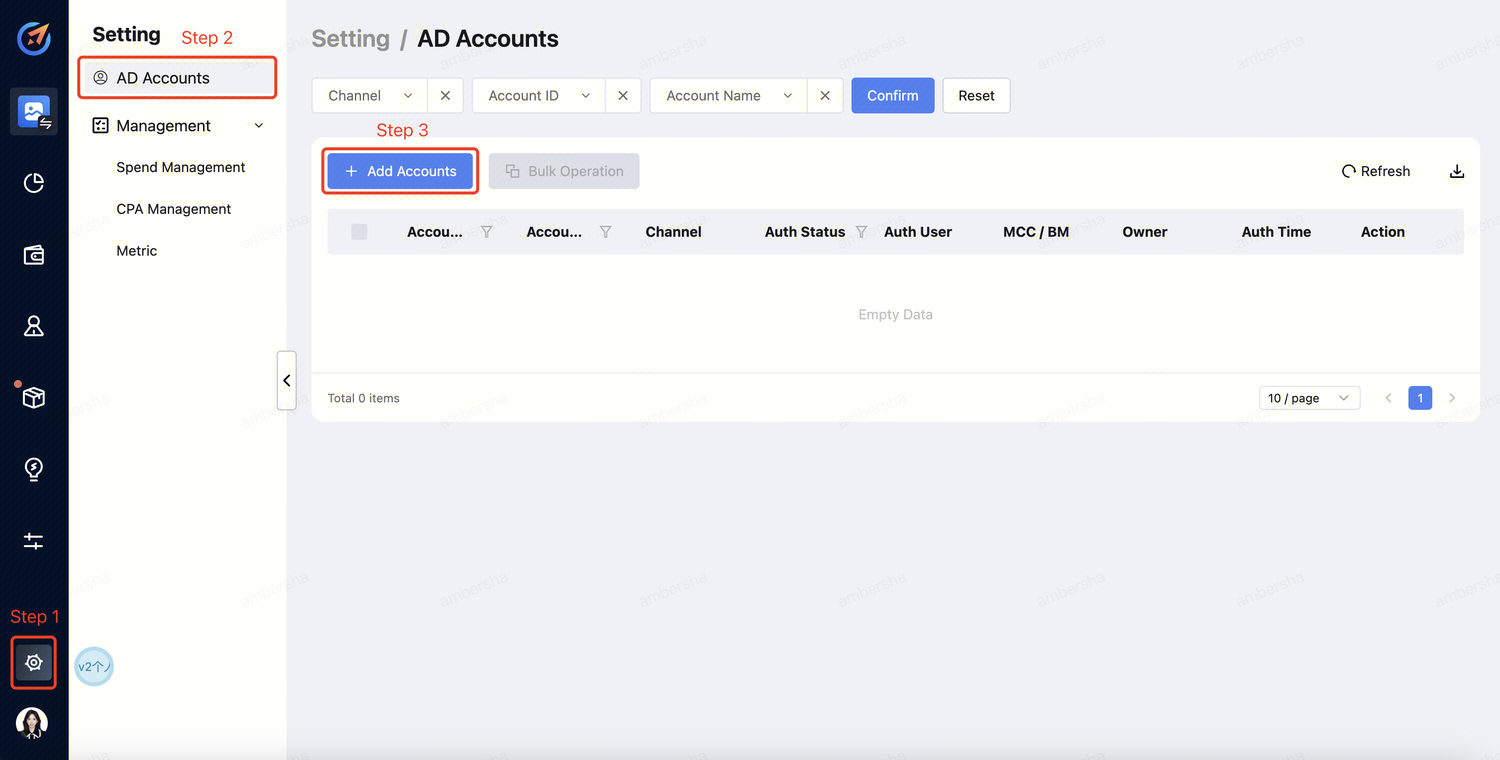
Click "Setting" --> "AD Accounts" --> "Add Accounts" .
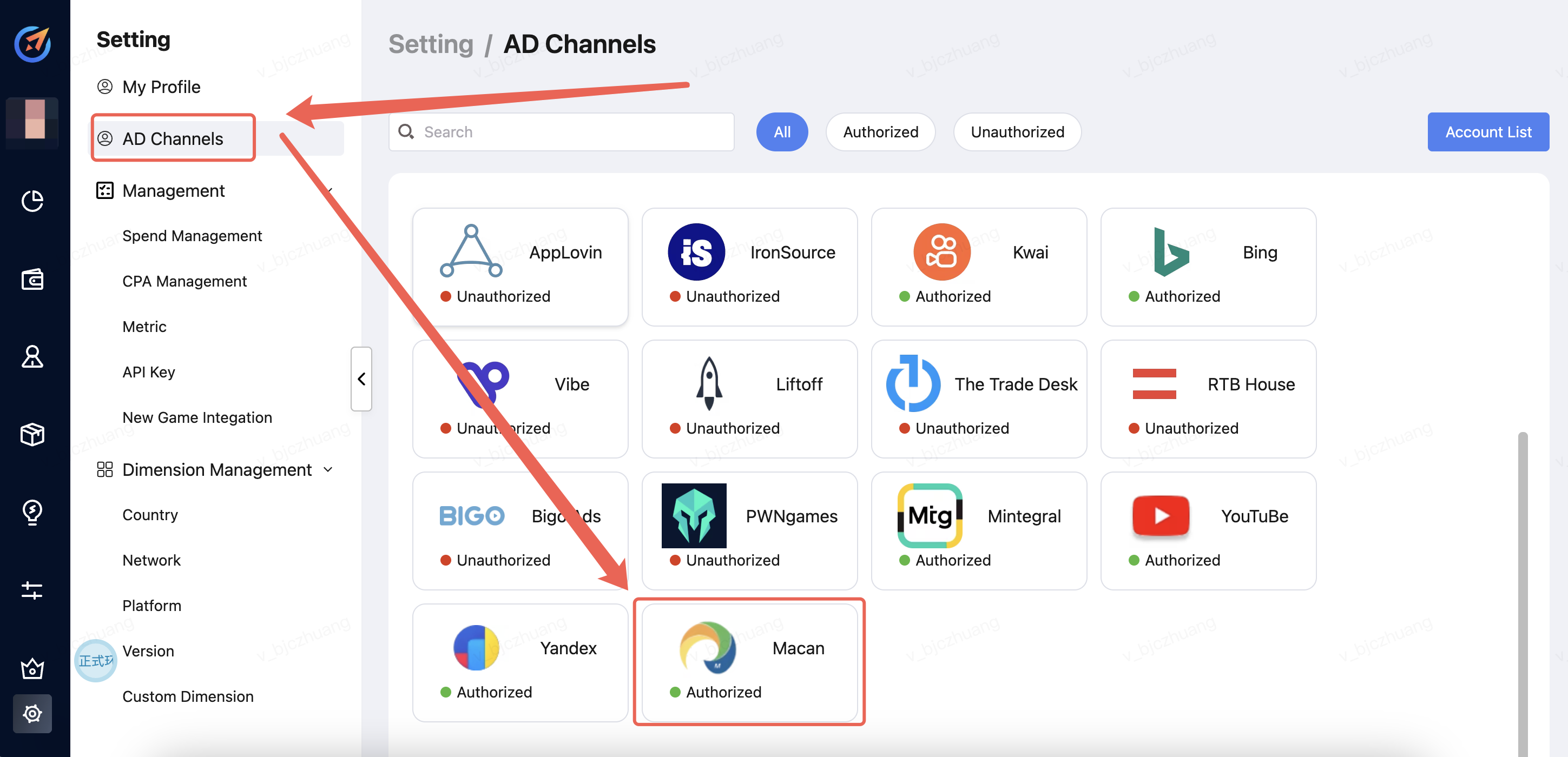
Click "Setting" -->"AD Channels" --> "Select the Media".
Step 2 - Account Login
a. Select the channel and click "Sign in". 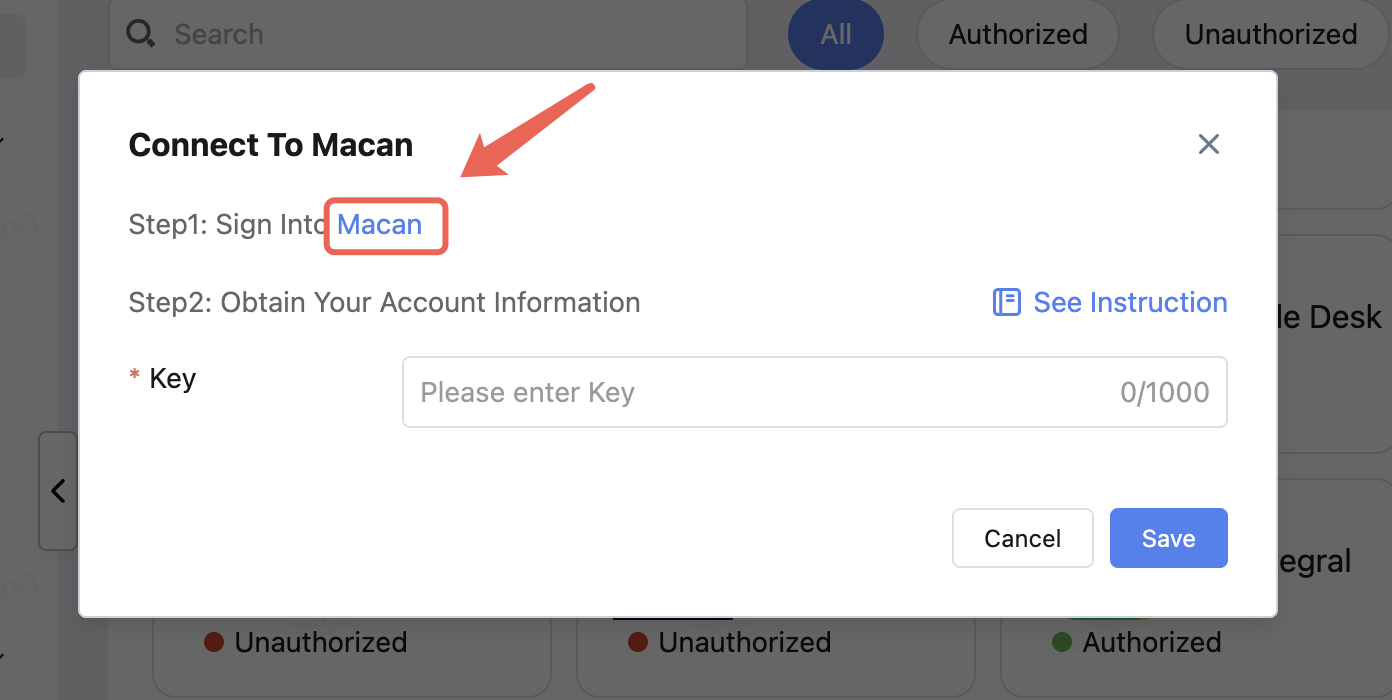
b. Log in to your account. 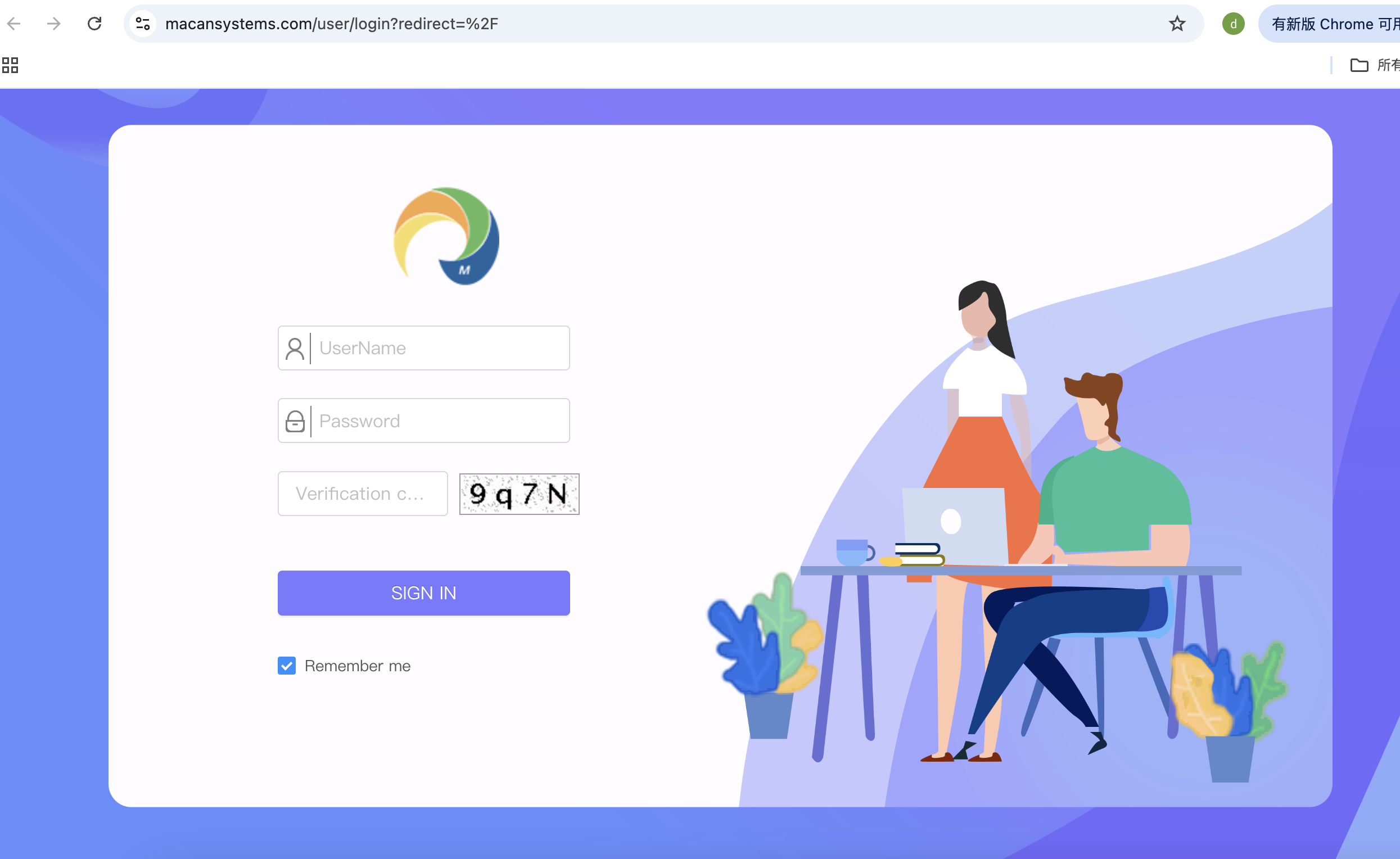
Step 3 - Obtain key
a. This key is the unique alphanumeric ID for Macan platform accounts, which can generally be obtained by consulting the channel side. 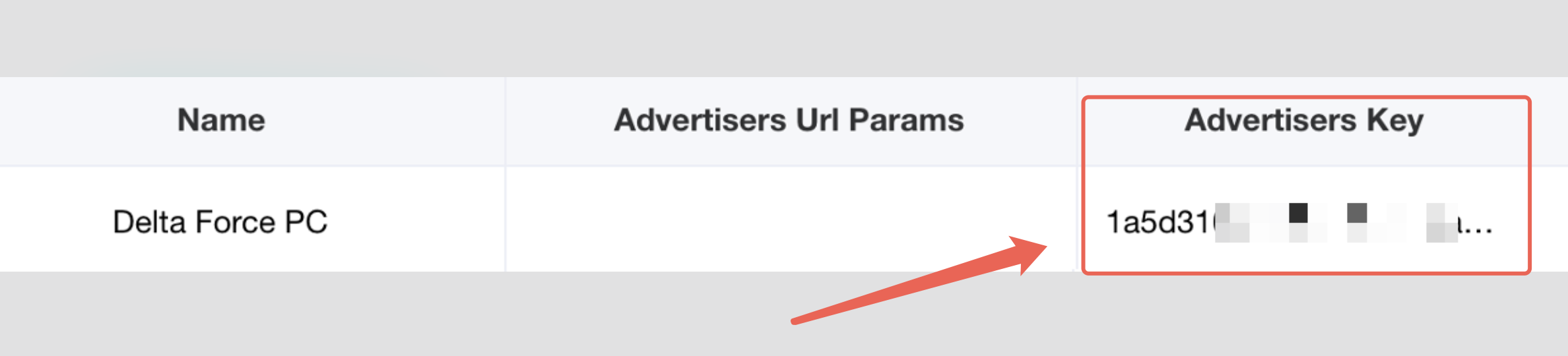
Step 4 - Account Info providing to AiX
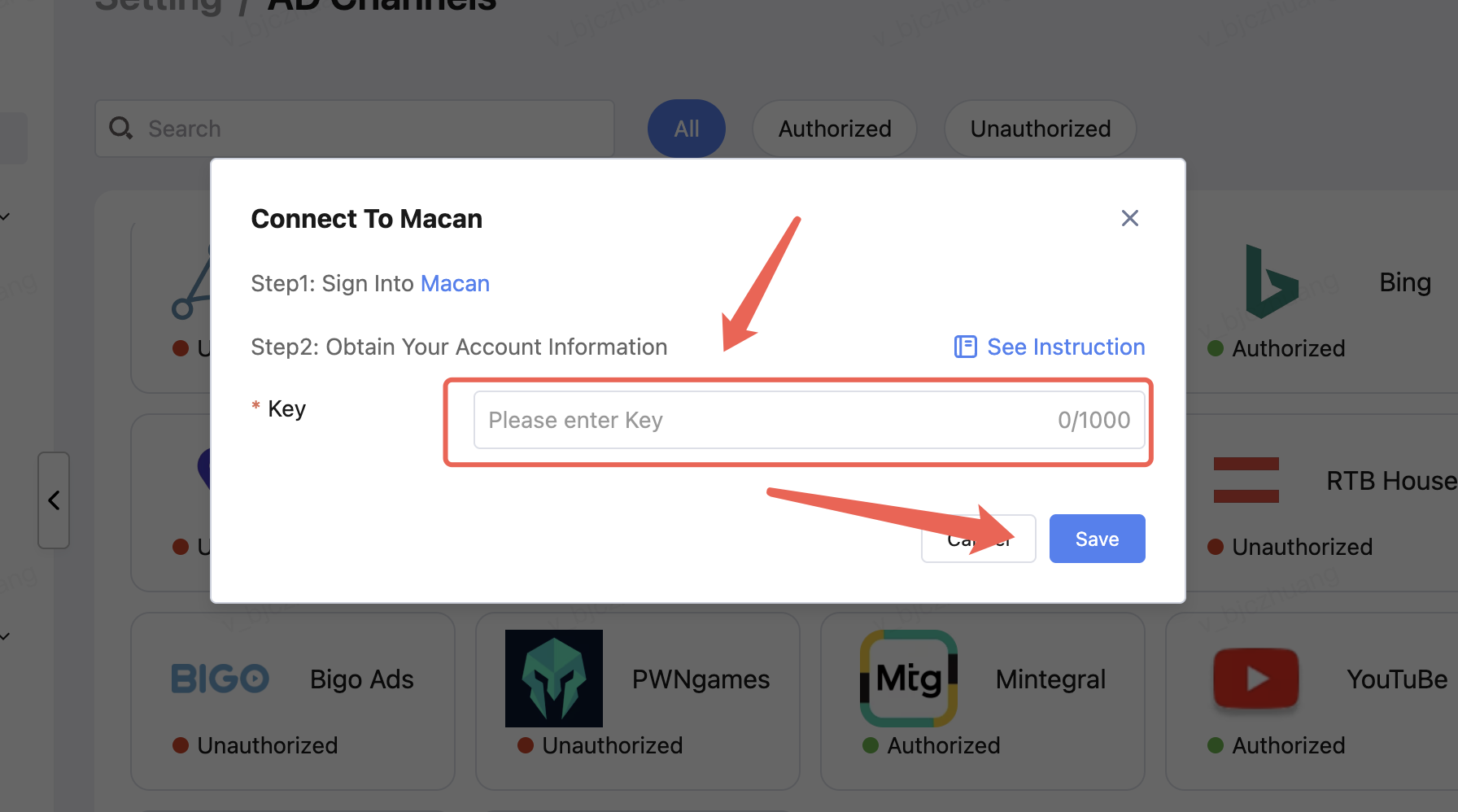
Enter the key,Finally, click Save.