 AiX User Guides
Appearance
Adaction/AiX Setup
Step 1 - Select an Authorization Channel
a. Select either access portal
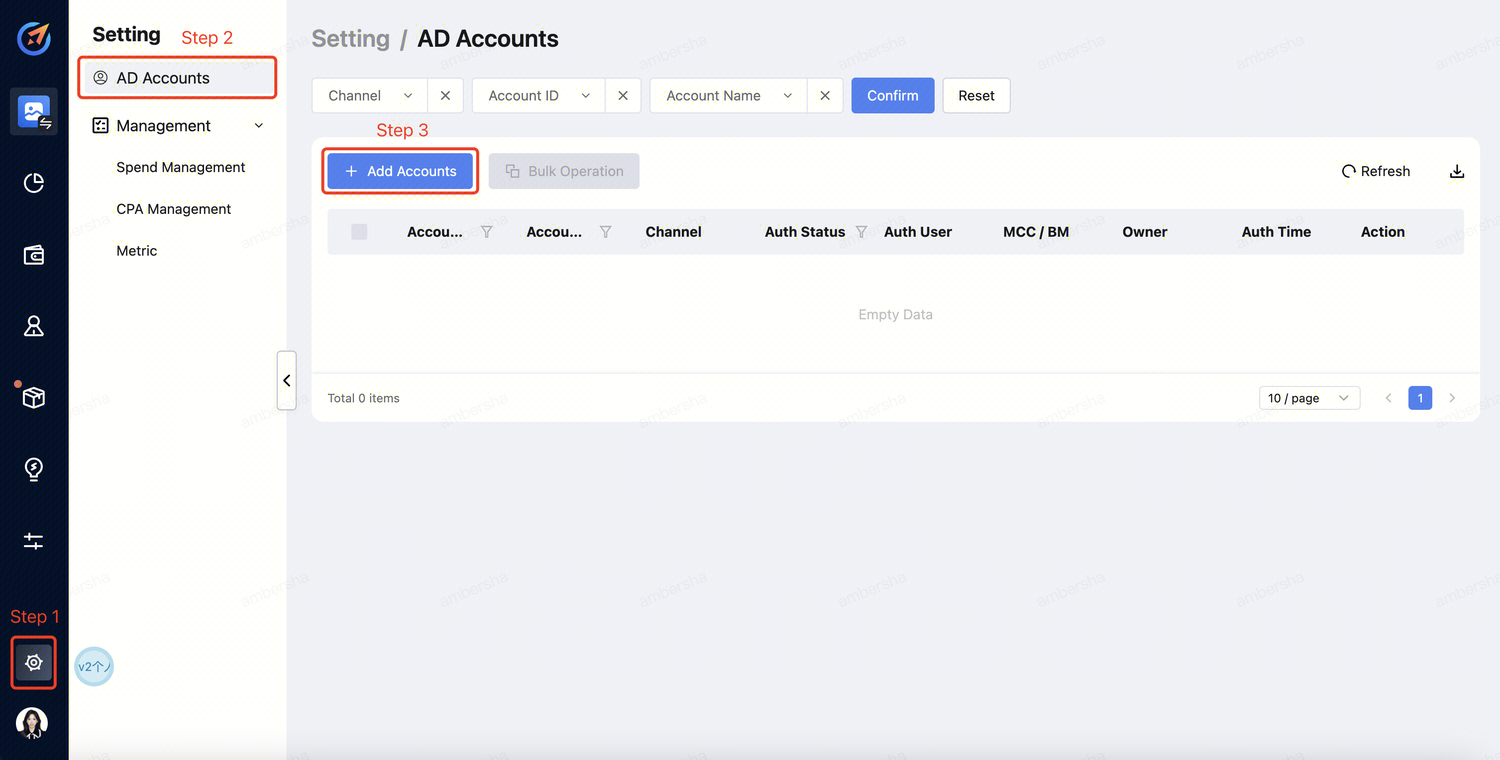
Click "Setting" --> "AD Accounts" --> "Add Accounts" .
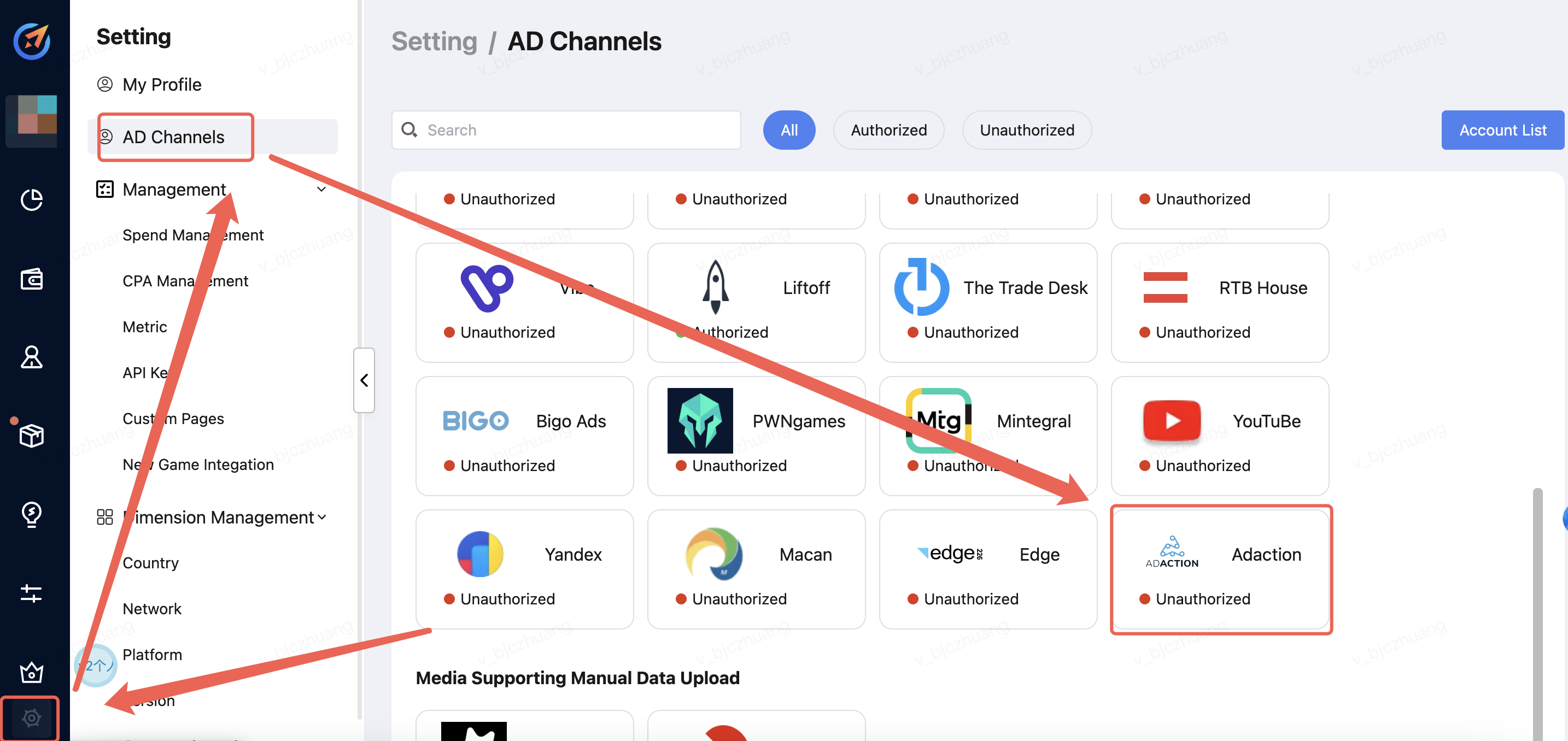
Click "Setting" -->"AD Channels" --> "Select the Media".
Step 2 - Account Login
a. Select the channel and click "Sign in". 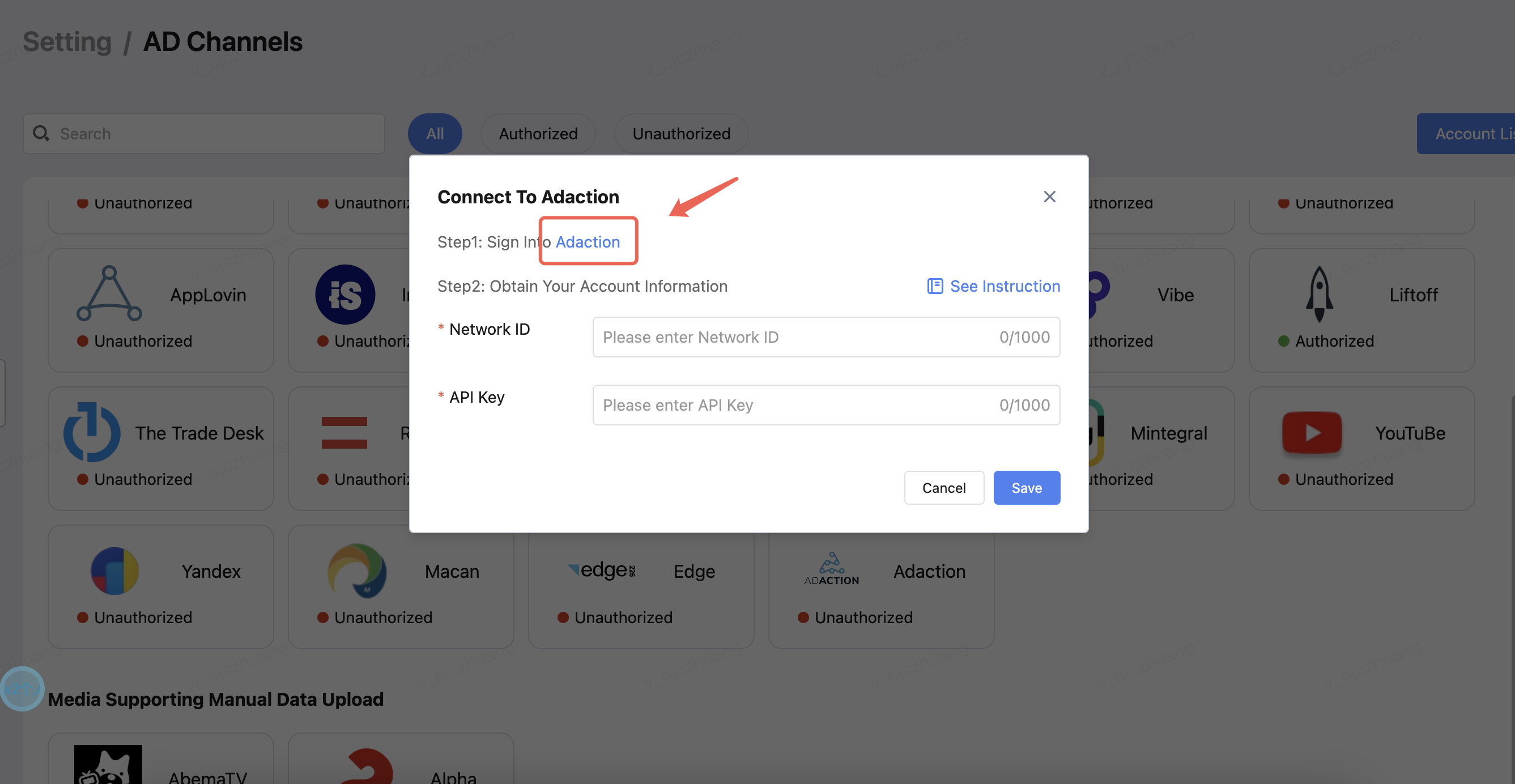
b. Log in to your account. 
Step 3 - Obtain Network ID and Api key
a. you must have the network ID of the network you work with and an API key for the advertiser API. You can get this information from the HasOffers platform in Support > API.
Note: If the "API" link doesn't appear, then your network has disabled access to the advertiser API.
b. On the Advertiser API page, find the API Key header and click the "Request API Key" link to request an API key from your network. Once the request is approved by your network, your API key takes the place of the request link. Now you're ready to make a call to the advertiser API.
Step 4 - Account Info providing to AiX
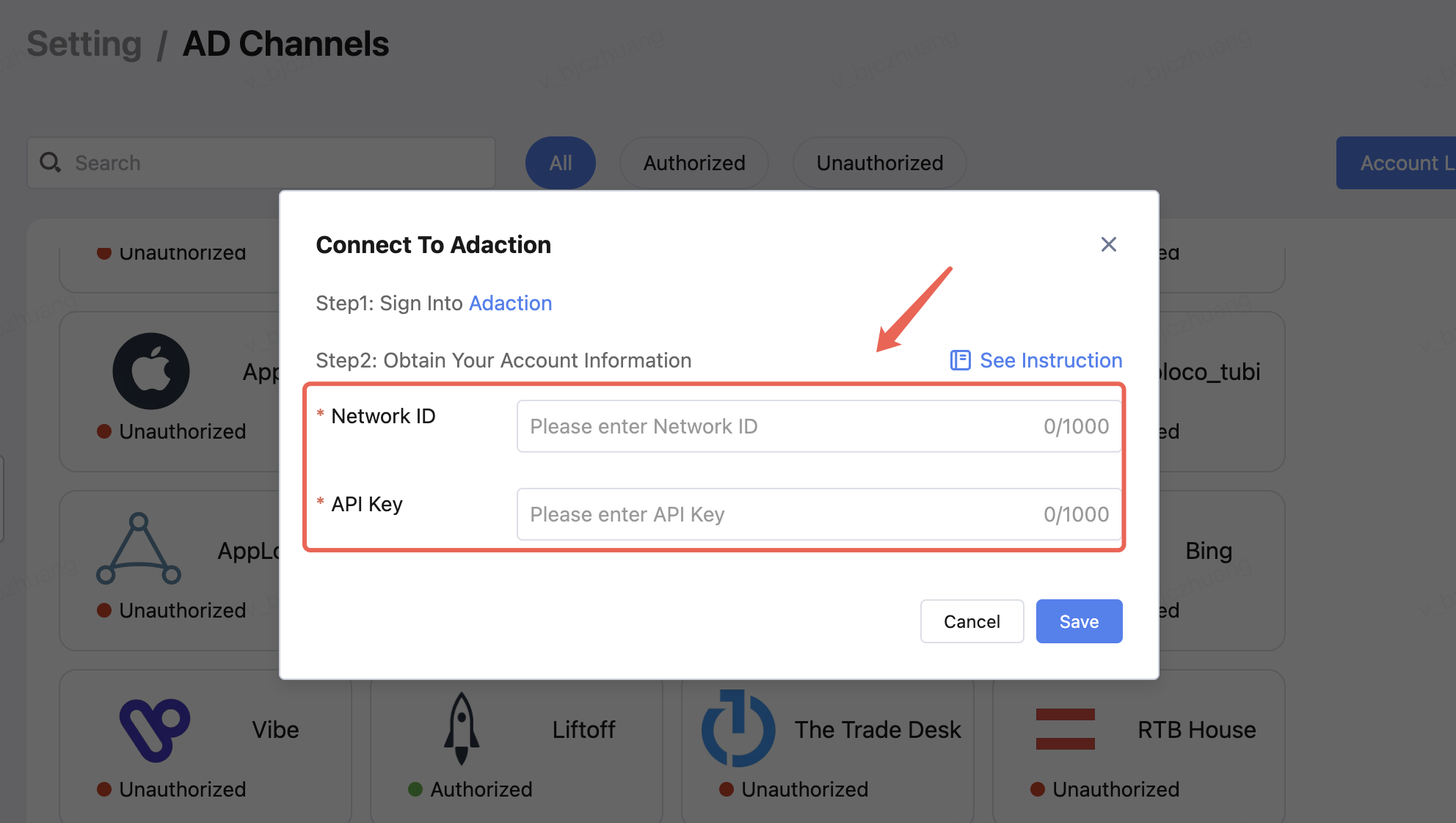
Enter the Network ID and Api key,Finally, click Save.